


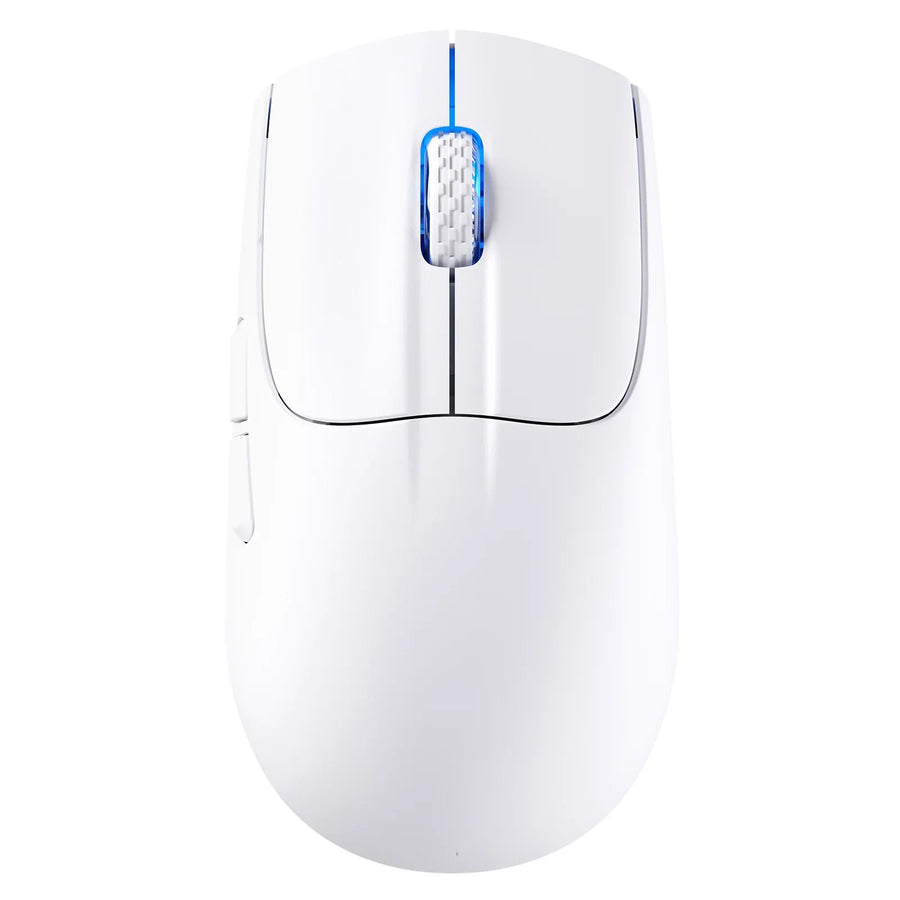
If you're left-handed, the real test for a gaming mouse isn't whether the shell looks balanced. It's whether your left thumb can actually reach and use every button you need without twisting your wrist. Based on the specifications we have, two ATTACK SHARK models stand out for their documented performance and setup flexibility, but neither listing confirms left-hand button placement, so we're presenting them as conditional picks until that detail is confirmed.
Best Options for Left-Handed Gaming Use
Two ATTACK SHARK models are worth a closer look if you're building a left-hand-friendly setup, though neither has documented left-hand control placement yet. Compare their strengths below, then confirm the missing detail before checkout.
| Product | Documented advantage | Left-hand evidence | Confirm before checkout |
|---|---|---|---|
| ATTACK SHARK X5 | 49g tri-mode design, 5 DPI settings up to 4,000, up to 200 hours battery (lights off) | Not verified | Left-thumb button reach, remap support |
| ATTACK SHARK X3 MAX | 49g ±2g body, PAW3950MAX sensor up to 42,000 DPI, 750 IPS, 1,000Hz polling | Not verified | Left-thumb button reach, remap support |
ATTACK SHARK X5: Flexible Setup, Pending Control Verification
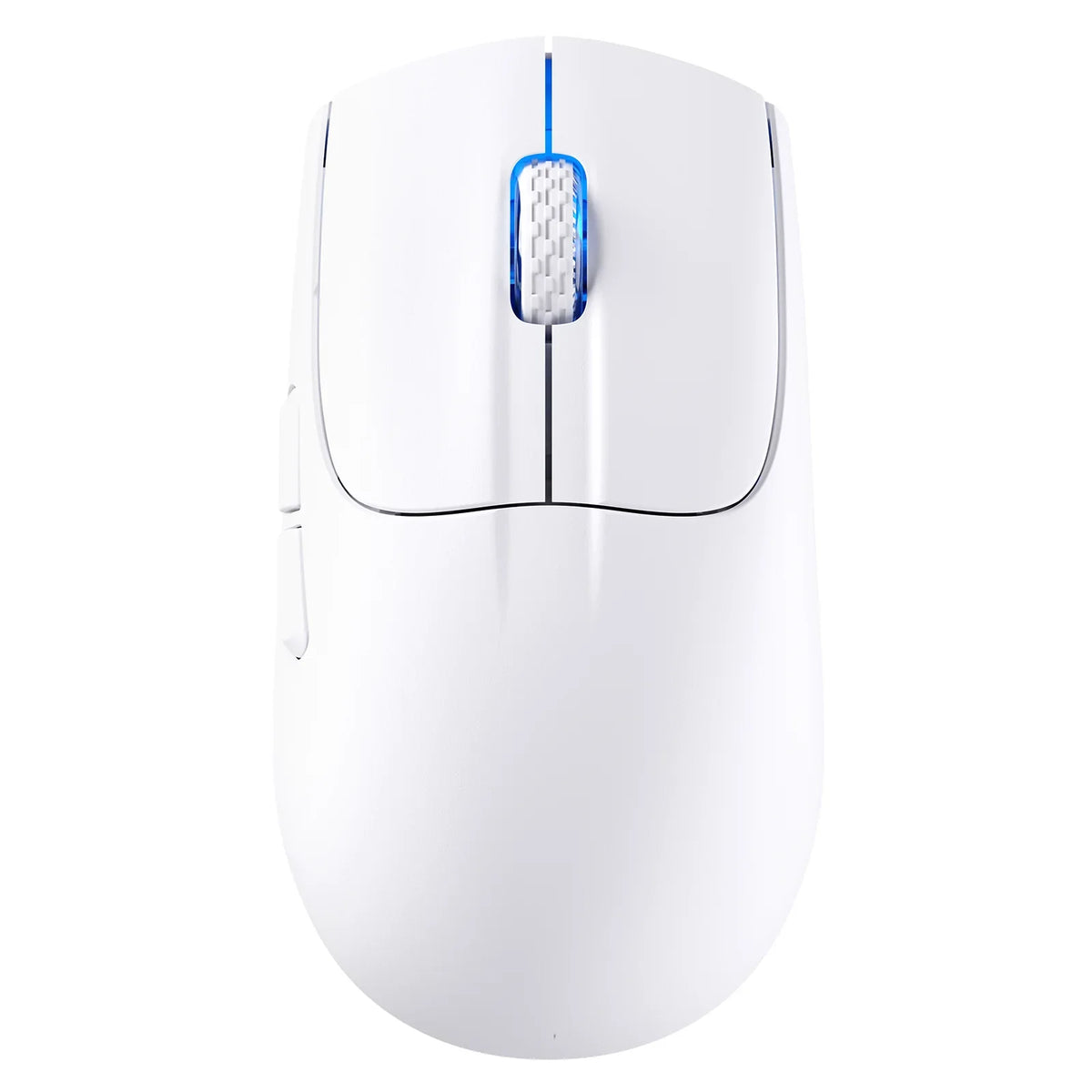
The ATTACK SHARK X5 product specifications list a 49g body, tri-mode connectivity across 2.4GHz wireless, Bluetooth 5.0, and USB-C wired, a PixArt PAW3212 sensor, five DPI settings up to 4,000, and up to 200 hours of use with the lights off. None of that tells you whether the side buttons sit where a left hand can reach them. Treat the X5 as a candidate for a light, flexible setup only after you confirm physical left-hand access.
ATTACK SHARK X3 MAX: Higher Documented Performance, Pending Control Verification
The ATTACK SHARK X3 MAX product specifications describe a 49g ±2g body measuring 118.5 x 61 x 39.7mm, a PAW3950MAX sensor rated up to 42,000 DPI and 750 IPS, 1,000Hz polling, and wired, 2.4G, or Bluetooth 5.2 connections. That's a stronger performance spec sheet than the X5, but a high DPI ceiling doesn't tell you anything about shell symmetry or button placement. Confirm the control layout before deciding this is your left-hand fit.
What Makes a Gaming Mouse Genuinely Left-Handed Usable?
A mouse that looks symmetrical isn't automatically usable with your left hand. It passes a simple three-part test: your hand rests naturally, every button you need is physically reachable, and any configuration software actually supports what you're trying to do.

- Natural grip fit. Your wrist shouldn't rotate and your fingers shouldn't stretch to reach the main buttons. If holding it already feels awkward in the store or in photos, it likely won't improve with use.
- Reachable required controls. Side buttons must be within left-thumb reach, mirrored on both sides, removable, or intentionally disableable so an unreachable button isn't a dealbreaker.
- Supported configuration. Software should let you confirm what each detected button does and reassign it if needed, on your operating system, without guesswork.
A product photo or a "symmetrical design" label in the title isn't proof of any of these three. Only the actual shell and documented control layout tell you that.
Match the Shell to Your Grip and Hand Size
Your grip style, more than any spec sheet, determines whether a shell will feel comfortable in your left hand. Match your grip to the shell traits below, then check the actual dimensions against a mouse that already fits you.
Palm, Claw, and Fingertip Fit
- Palm grip: look for a shell that supports your whole hand without pushing your thumb away from the side buttons. Rest your hand fully on the mouse and check that your thumb lands naturally on the controls it needs.
- Claw grip: compare the hump position and width for stable fingertip and thumb contact. Your fingertips should stay planted on the main buttons without sliding forward.
- Fingertip grip: watch for a low-contact shell that puts less of your palm on the mouse, since that can push the left-side buttons out of easy thumb reach. Test whether you can hit them without lifting your hand.
Our mouse hump placement guide breaks down how hump position changes comfort across these three grip styles if you want a deeper look before choosing a shell.
Use Dimensions Instead of Marketing Labels
Compare a mouse's official length, width, and height against a mouse you already own and like. "Medium hand" or "compact" labels vary by brand and don't guarantee your left hand will actually fit. Our gaming mouse buying guide walks through how to read those dimensions alongside grip style before you add anything to your cart.
Check Side Buttons and Remapping Before Checkout
Verify a mouse in two stages: physical access first, software behavior second. Sensor specs and RGB lighting don't matter if your thumb can't reach the buttons you need.
Run the Physical-Control Check First
- Locate the buttons your left thumb would actually use during play.
- Check whether controls exist on both sides, whether unused buttons can be removed or disabled, and whether your hand stays relaxed while reaching them.
- Stop here if the layout feels wrong. Sensor and lighting features can't fix an unreachable button.
Then Verify Software Behavior
- Confirm from current documentation whether the mouse supports remapping and onboard profiles, since remapping changes what a button does but can't move a button closer to your thumb.
- Check the supported operating system and whether settings save onboard or require background software running at all times.
- If the product page or manual doesn't say, contact support before checkout rather than guessing from photos. You can also run a hands-on check with our mouse button test tool once you're testing a physical unit, though that tool confirms button response, not left-hand layout.
Compare Performance and Connection Choices After Fit
Once a mouse passes the physical fit and control check, performance and connection specs become the tiebreaker. Here's what the documented specs show for each ATTACK SHARK model, without treating any figure as proof of a hand-comfort or aim advantage.
Choose the X5 for Documented Setup Flexibility
- 49g body.
- 2.4GHz wireless, Bluetooth 5.0, and USB-C wired modes in one mouse.
- Five listed DPI settings up to 4,000, with up to 200 hours of use when the lights are off.
Choose the X3 MAX for the Broader Documented Performance Profile
- 49g ±2g body at 118.5 x 61 x 39.7mm.
- PAW3950MAX sensor rated up to 42,000 DPI, 750 IPS, and 50G acceleration.
- 1,000Hz polling rate across wired, 2.4G, and Bluetooth 5.2 connections.
Neither spec sheet resolves the left-hand control question from earlier. If both mice pass your physical check, the X5 suits shoppers who want maximum connection flexibility in a lighter feature set, while the X3 MAX suits shoppers prioritizing the higher-ceiling sensor and polling numbers.
FAQs
How should a left-handed gamer hold a gaming mouse?
Your grip should stay natural and stable. Compare thumb reach, finger placement, and shell contact with a mouse that already feels right, rather than rotating your wrist or stretching around buttons you can't comfortably hit. If a shape forces any of that, test a different one before buying.

Can button remapping make any gaming mouse work for left-handed players?
No. Remapping changes what a detected button does, but it can't relocate a button that's physically out of reach or awkwardly placed for your left thumb. Confirm both the physical layout and documented remapping support before checkout, since remapping only helps once the button itself is usable.
Is a wireless gaming mouse a good choice for left-handed gaming?
Choose a wireless mode, like 2.4GHz or Bluetooth, for documented connection flexibility, not because wireless itself improves left-hand performance. Decide among wired, 2.4G, and Bluetooth options only after your left-hand control check passes, since connection type doesn't change button placement.
What should I do if a gaming mouse page doesn't say whether it supports left-handed use?
Don't infer left-hand usability from photos, weight, DPI, or a "symmetrical" description in the title. Contact the manufacturer or support team to confirm side-button placement and remapping behavior before you add the mouse to your cart, since a missing detail on the page usually means the fact simply isn't documented yet.