


Cheap gaming mice can work well if you know exactly where to cut corners. Save money on headline numbers like maximum DPI or RGB lighting, but protect five things: documented core hardware, a shape that fits your hand, a connection that suits how you play, software you can live with, and a written support and return path. Skip any mouse where you cannot verify those five items, no matter how low the price looks.
That's the short version. The rest of this guide breaks each check into something you can actually verify before you add a mouse to your cart.
The Reliability Floor for Cheap Gaming Mice
A cheap mouse earns its price only when you can point to specific facts about it, not just a number on a spec sheet. Treat the five checks below as a floor, not a wish list.
The Five Checks That Protect a Small Budget
Look for a named sensor and switch, a shape and weight that match your grip, a connection mode that fits your setup, software that installs and behaves the way you need, and a clear written warranty or return policy. These five facts turn a guess into an informed purchase. If a listing is missing two or more of them, keep shopping instead of assuming the price makes up for the gap. Our own gaming mouse buying guide walks through several common mistakes shoppers make when they skip this step.
What Makes a Mouse a Pass or a Skip
A mouse passes the floor when you can name its sensor, confirm its connection type, check that its shape fits your hand, and find a written remedy if something breaks. It's a skip when price is the only clear fact you have. If you can't tell whether it's wired or wireless, whether the seller or the manufacturer handles a defect, or what the return window looks like, that uncertainty is reason enough to keep comparing rather than chase the lowest number on the page.
Where You Can Save on Features
Save on features that don't change how the mouse feels or performs for your specific use. Protect the features that determine whether it works reliably at all.

Protect These First
| Reliability floor | Why it changes the purchase |
|---|---|
| Named sensor and switch | Tells you what's actually inside, not just a marketing label |
| Shape, weight, and feet quality | Determines glide, control, and comfort during long sessions |
| Connection behavior (wired/wireless) | A bad connection undermines every other spec |
| Software that installs and detects the device | Unusable software can block DPI settings or button mapping entirely |
Treat Headline Numbers as Optional
Maximum DPI and extreme polling rates rarely fix control problems on their own. Independent testing of more than 400 mice found that budget models can deliver solid gaming performance, but the real compromises usually show up in weight, shell rigidity, feet material, and click feel rather than in the sensor's top DPI number. That's a useful lesson: judge a tested budget-mouse tradeoffs report by build quality, not by the biggest number on the box. RGB lighting and deep customization software fall into the same category. Skip them without guilt if they don't solve a problem you actually have.
Match the Compromise to Wired, Wireless, FPS, or General Use
Your connection and play style change which compromise is worth accepting. Match the mouse to the scenario instead of applying one generic rule to every purchase.
Choose the Connection First
| Connection | Choose when | Protect | Acceptable compromise |
|---|---|---|---|
| Wired | Desk space and cable routing aren't a concern | Cable quality, consistent plug-in operation | Skip wireless convenience features entirely |
| Wireless | You need to move freely or want a clean desk | 2.4GHz mode, charging routine, receiver setup, wired fallback | Accept a charging habit and occasional Bluetooth latency for casual use |
Choose the Control Profile Second
If you play FPS titles, especially at low sensitivity, prioritize shape, weight, feet quality, and consistent clicks over decorative extras; our low-sensitivity FPS setup guide covers the specific fit checks that matter most for that play style. If you're buying for general use or replacing a mouse that just failed, prioritize comfort and dependable basic operation instead. A shape that feels great for one fast-paced game can feel wrong during hours of mixed browsing and work, so weigh comfort heavier than specialized performance features when the mouse needs to do several jobs.
Run the Reliability Checklist Before You Keep It
Test a new mouse in the first few days, not after weeks of normal use. Early testing keeps your return window open if something is wrong.
- Check the shell for flex, gaps, or damage from shipping.
- Press every button several times, including side buttons, and repeat clicks ten to fifteen times since a worn switch can be intermittent.
- Spin the scroll wheel up and down slowly, listening for skips or uneven resistance.
- Drag the mouse and click-and-hold to confirm it tracks smoothly without stutter.
- Confirm tracking accuracy across your mouse pad, including edges.
- Test wired operation, then wireless modes if the mouse supports them, including the receiver and any Bluetooth pairing.
- Charge the mouse if it's wireless and confirm it holds a charge during a normal session.
- Install any required software and confirm the mouse is detected correctly.
A browser-based mouse test can screen most of these items quickly, though the polling-rate reading it shows is an estimate of how fast your browser receives movement data, not a calibrated lab measurement. If any fault repeats rather than happening once, treat that as your signal to start a return, exchange, or warranty claim while the process is still available. Our new mouse quality check article walks through this same sequence in more depth if you want a slower walkthrough.
Check Warranty, Support, and Returns Before Checkout
Read the written warranty and return policy before you buy, not after something goes wrong. This single step often decides whether a cheap mouse is actually a good deal.
What to Verify in Writing
The Federal Trade Commission advises reading FTC warranty guidance before purchase: confirm what the seller will do if the mouse fails, whether that means repair, replacement, or a refund. Check whether you contact the manufacturer or the original seller for a claim, note any exclusions, and find out who pays for return shipping. These facts determine how much hassle you'll face if the mouse breaks in month two instead of week one.
When the Cheapest Option Is Not the Best Value
An unclear remedy or a difficult claims process changes the real cost of a low-priced mouse, even if the sticker price looks great. Save a copy of the warranty and your receipt as soon as you order, before any problem occurs, so you're not searching for proof during a dispute. If you want to review our own current terms, our return policy page is a good place to start, though you should always confirm the specific terms tied to your order before you buy.
Compare a Specific Mouse Against the Reliability Floor
Turn the reliability floor into a pass/fail decision on one listing instead of comparing endless spec sheets. If a candidate clears every check below, it's worth testing during your return window.
Apply the Filter to a Product Listing
| Check | Pass condition | Example evidence |
|---|---|---|
| Documented core hardware | Named sensor and switch with a stated rating | G3 lists a PixArt PAW3311 sensor and HUANO switches rated at 80 million clicks |
| Fit and use-case match | Shape and weight suit your hand and grip | V8 lists a right-handed ergonomic shape for medium-to-large hands |
| Connection and software fit | Modes match how you actually play | Both list wired, 2.4GHz wireless, and Bluetooth connectivity |
| Purchase protection | Written coverage and claims route exist | Confirm current terms before checkout |
| Early test plan | You can test within the return window | Run the checklist above on arrival |
Our Current Listings as Examples, Not Guarantees
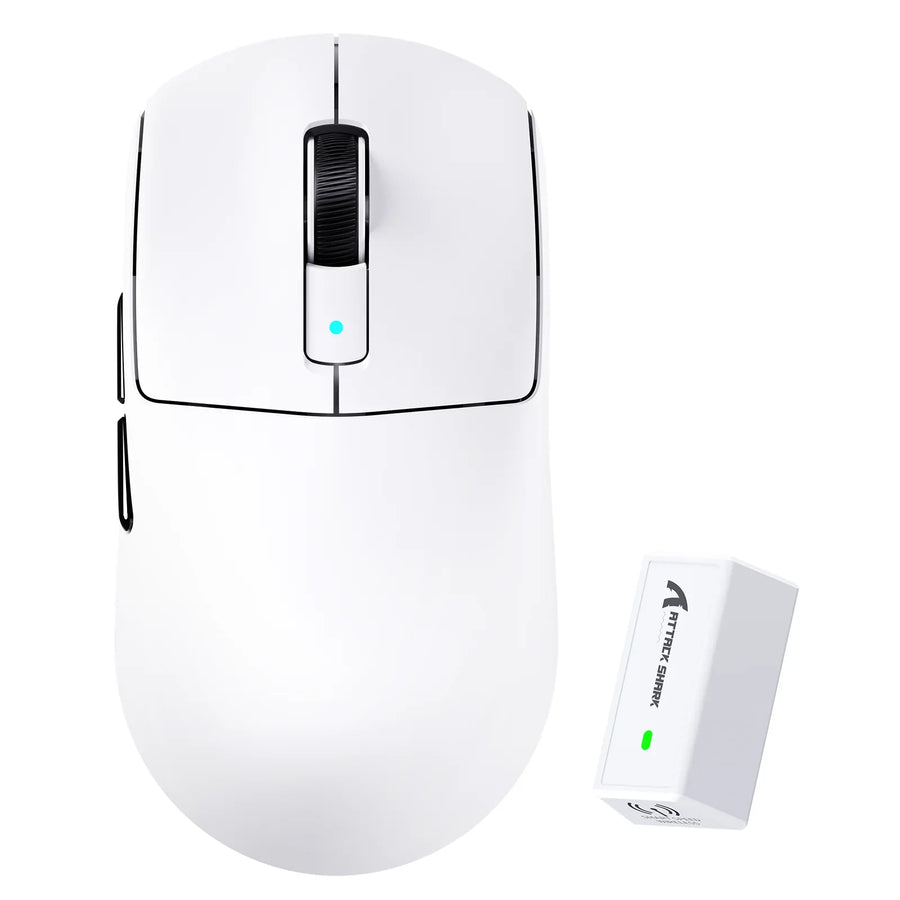
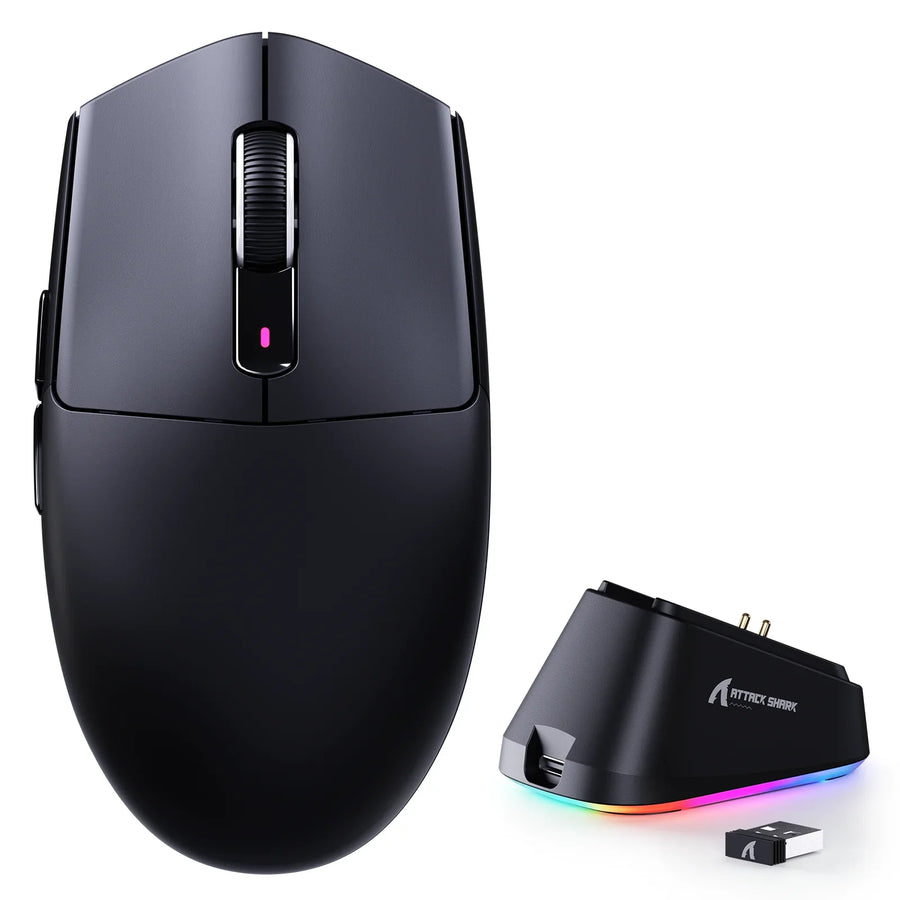
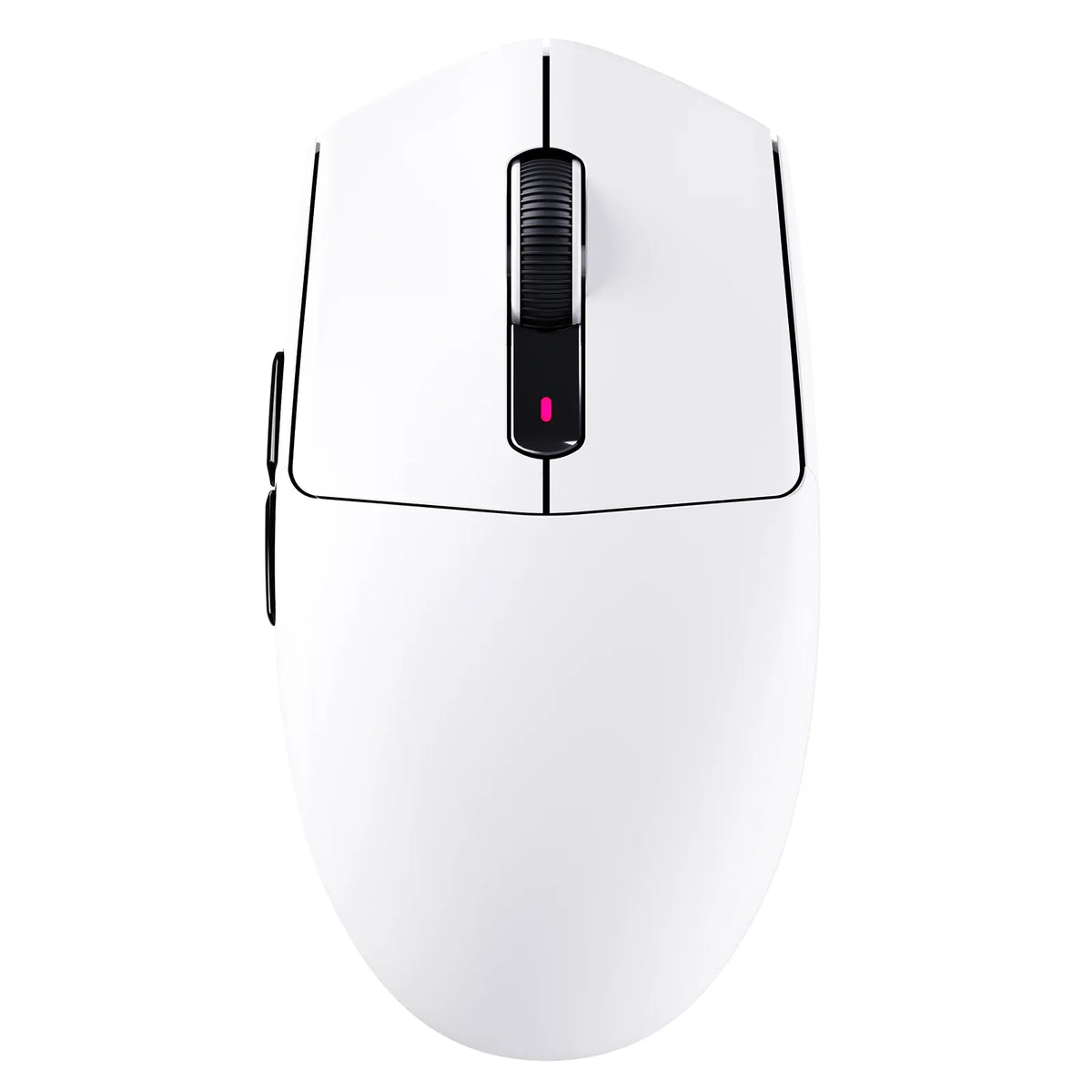
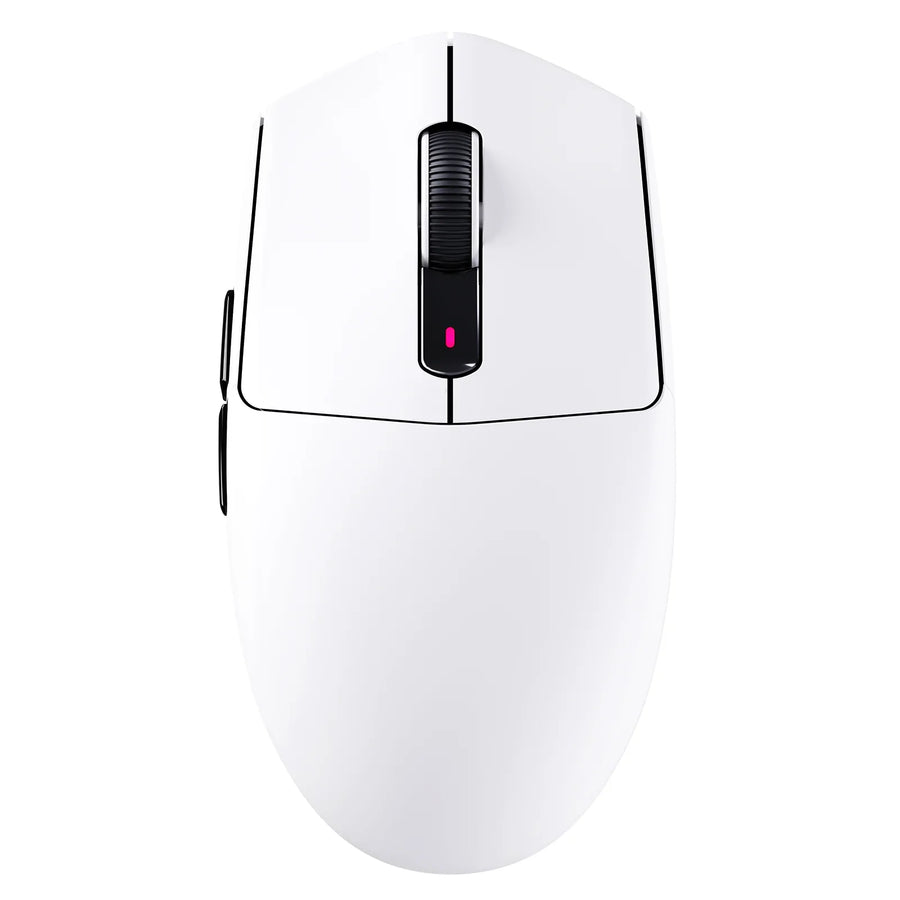
Our product pages list the specific facts a buyer needs to check, not a promise that any single model is the right fit for everyone. The ATTACK SHARK G3 wireless mouse lists a 59±3 g weight and three connection modes, which gives you a concrete weight and connectivity fact to compare against your own needs. The ATTACK SHARK V8 ergonomic mouse lists a right-handed shape built for medium-to-large hands alongside Omron optical switches rated at 100 million clicks. Matching one of these specification sets to your grip and connection needs clears one part of the filter. It doesn't replace the arrival test or a confirmed purchase-protection route, so keep both steps in your final decision.
FAQs
Can cheap gaming mice be reliable?
Yes, a cheap gaming mouse can be reliable enough when you protect the reliability floor instead of accepting every low-cost shortcut. Check the sensor, switch, shape, and connection facts before buying, confirm the written warranty and return terms, and test the mouse for faults as soon as it arrives so you can still use the return window if something is wrong. Skipping any one of those steps is what turns a good deal into a regret, not the low price itself.
Which features are safest to skip on a budget gaming mouse?
You can safely skip extreme maximum DPI ratings, ultra-high polling rates, decorative RGB lighting, and extensive software macro suites unless your specific workload requires them. Budget mice usually make their real compromises in shell flex, click feel, and feet material rather than sensor tracking ceilings, so prioritize physical build and switch quality over headline numbers.
What should you do first if a budget mouse shows defects on arrival?
Repeat your button and tracking tests ten to fifteen times to verify the issue is repeatable, then initiate a return or warranty claim immediately while your purchase protection is active. Identifying the claims route and saving your receipt before checkout ensures you can resolve repeatable hardware defects without paying unexpected return costs.