


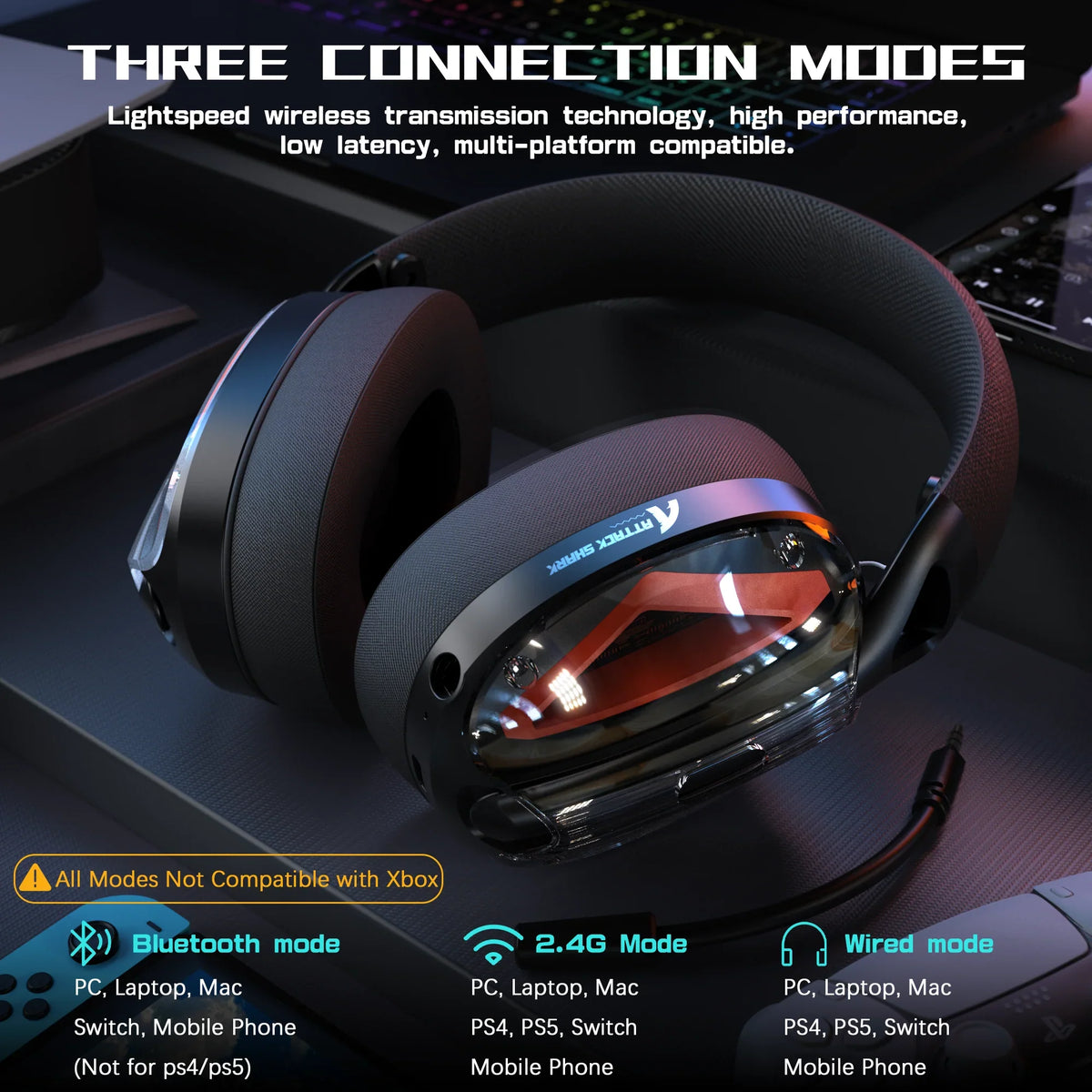
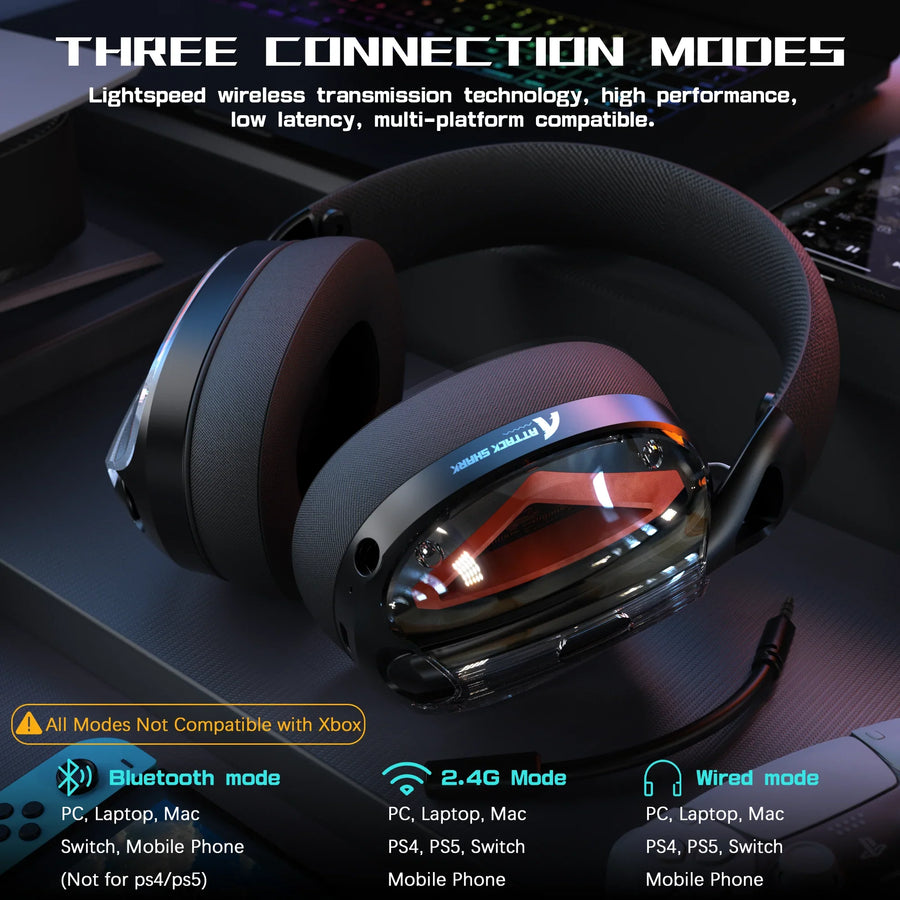
A tri-mode headset lets you pick between 2.4GHz wireless, Bluetooth, and a wired connection, but that label alone doesn't confirm the headset can run 2.4GHz game audio and a Bluetooth phone call at the same time. Whether a tri-mode wireless headset can run 2.4GHz game audio and a Bluetooth phone call at the same time depends on its internal mixing architecture rather than the tri-mode label.
Treat simultaneous operation as something to verify per model, not something to assume from the tri-mode name. If the manual or a direct test explicitly confirms that a tri-mode headset runs 2.4GHz and Bluetooth simultaneously, you can build a game-plus-call setup around it; if not, plan to switch between modes instead.
Key Takeaways
- Tri-mode means three selectable connection paths, not proof that a tri-mode headset runs 2.4GHz and Bluetooth simultaneously; confirm concurrent use in the manual or a live test.
- A Bluetooth phone call (HFP) is a mono audio path, while Bluetooth media streaming (A2DP) can carry stereo-capable audio, so a call is a different condition than music or game chat.
- Microphone specs, battery capacity, and driver size describe hardware, not simultaneous-use performance; verify each with a same-conditions test on your own unit.
- The safest setup order confirms platform and receiver compatibility first, then pairs Bluetooth and runs a live test call before you rely on the connection.
- When concurrent operation isn't documented, plan for mode switching, since changing modes on that kind of headset usually replaces the active source instead of layering it.
Tri-Mode vs. Simultaneous Wireless: The Choice That Matters
Tri-mode headsets give you three ways to connect: 2.4GHz wireless, Bluetooth, and a wired cable. None of those three modes by itself proves the headset can carry 2.4GHz game audio and a Bluetooth call at once.
Three connection paths do not mean three active links
A wired 3.5mm or USB-C connection is a fallback for when batteries die or wireless isn't an option, not evidence that the headset mixes two wireless signals together. The same logic applies to a Bluetooth 5.3 radio or a 2.4GHz USB dongle: each is a separate path the headset can use, and listing three paths on a spec sheet doesn't say whether two of them run at once. Treat the label as a menu of connection options, not a concurrency feature.
The pass/fail test for simultaneous use
Use this simple rule before assuming a headset can hold a Bluetooth call while game audio plays over 2.4GHz:
- Pass: the manual, product page, or a direct test explicitly states that 2.4GHz and Bluetooth audio run at the same time.
- Fail: the documentation only says you can switch, toggle, or alternate between connection modes.
How Two Wireless Links Change the Audio Path
Bluetooth handles a phone call differently than it handles music or video, and that difference matters once a second wireless link enters the picture. Whether a given headset merges the two cleanly depends on its own routing and mixing design, not just its Bluetooth version number.

Call audio is not the same as Bluetooth media
Bluetooth's Hands-Free Profile, the protocol used for phone calls, carries a mono audio stream. Its media protocol, A2DP, can use several channel modes, including stereo and joint-stereo encoding, a distinction covered in the Bluetooth call and media paths reference. That means an incoming call is a narrower, mono audio condition competing for the same headset hardware as your wider game audio stream. How a specific headset blends or prioritizes those two paths is a design choice that needs to be confirmed in that model's documentation or a live test, not assumed from the Bluetooth version.
Three routing questions to verify
Before trusting a game-plus-call setup, confirm these three routing points with your specific headset:
- Does game audio stay on the 2.4GHz path once the phone call connects, or does the headset drop it?
- Does the call reach your ears without silencing or replacing the game audio entirely?
- Which microphone input is active, the game chat mic or the phone call mic, and can you tell which one is live?
Microphone Transmission During a Bluetooth Call
A microphone spec sheet describes hardware, not what happens when two wireless links compete for that microphone during a call. Detachable, noise-canceling, or omnidirectional descriptions are features, not proof of concurrent-use performance.
What the microphone specification does—and does not—tell you
- Documented: a detachable mic, an omnidirectional pickup pattern, and noise-canceling processing describe the physical hardware and signal processing built into the headset.
- Not documented: how that microphone behaves once a Bluetooth call and 2.4GHz game audio are both active, including which input takes over, how clear the transmitted voice sounds, or whether game chat drops out.
A practical microphone check
- Start a phone call over Bluetooth while your 2.4GHz game connection stays active, if your headset's documentation claims support for this.
- Ask the person on the call whether your voice sounds clear or cuts in and out, and note whether your game chat partner can still hear you.
- Repeat the test using the headset's documented input route, and watch for any automatic switching between the game mic and the call mic.
Battery Draw: Capacity Is Not Dual-Link Runtime
Running two wireless radios at once can draw more power than running one, but the battery capacity and advertised playtime on a spec sheet don't measure that draw. A controlled, same-conditions comparison is the only way to know the real cost for a given headset.
Capacity is not current draw
A 1100mAh or 600mAh battery rating tells you how much energy the headset stores, and an advertised playtime figure tells you how long that charge lasts under the manufacturer's stated test conditions, such as a set volume level. Neither number accounts for the added current draw of keeping a 2.4GHz link and a Bluetooth link active together, so treat any dual-link runtime as something to test on your own unit rather than something the spec sheet already answers.
How to compare runtime fairly
- Charge fully and set the same volume, EQ, and connection distance for every test run.
- Time a full session with only the 2.4GHz link active, then repeat with both the 2.4GHz link and a Bluetooth call or media connection running.
- Record the exact conditions alongside each result instead of treating one test as a universal runtime figure.
Soundstage and Imaging Need Their Own Test
Driver size and virtual surround branding describe the hardware and processing built into a headset, not what your soundstage sounds like once a Bluetooth call layers on top of game audio. If a call's audio path changes the mix, that's a listening condition to test, not a spec you can read off a product page.
Why imaging is a separate question
A 53mm driver or a 40mm driver, along with a virtual 7.1 surround mode, shapes a headset's imaging potential, but low latency and driver size don't tell you whether a concurrent call narrows the stereo field or shifts positional cues. Call-path processing, including any automatic ducking or mono downmixing tied to a Bluetooth call, could change what you hear, but only a direct listening comparison confirms it for a given model.
A same-settings imaging comparison
- Play the same game scene with your headset in the same physical position each time.
- Keep EQ, surround mode, and volume unchanged between test runs.
- Compare how footsteps or directional cues sound during 2.4GHz-only playback versus during the documented concurrent-call condition, and note any shift.
How to Configure Game Audio and a Bluetooth Call
Start by confirming your platform, receiver, and the headset's documented concurrent-use support before touching any settings. From there, the setup follows a short, repeatable sequence.
PC or console plus phone
- Confirm your gaming platform supports the 2.4GHz receiver and check whether the manual documents simultaneous 2.4GHz-and-Bluetooth operation for your exact scenario.
- Connect the 2.4GHz receiver to your PC or console and set it as the game audio output and microphone input.
- Pair your phone over Bluetooth, then confirm the call's audio output and microphone input are set separately from the game path.
- Place a short test call while game audio plays, and listen for whether both stay active or one cuts out.
When simultaneous use is not supported
If your headset's documentation only lists three connection modes without naming concurrent operation, expect mode switching instead. Changing modes on that kind of headset typically replaces the active source rather than layering a call on top of game audio, so plan to pause game audio manually when a call comes in.
Troubleshoot Audio Dropouts in Priority Order
Start by confirming support and routing before touching hardware placement. Work through these checks in order instead of guessing at a single cause.
First isolate support and routing
- Verify that your platform and receiver combination is actually supported; our L60, for example, documents compatibility with PC, PS5, PS4, Switch, tablet, laptop, and smartphone, but not Xbox.
- Check that game output, call output, game-chat input, and phone input are each set to the device you expect.
- Test the 2.4GHz connection alone, then Bluetooth alone, to see whether the dropout happens on one link or only when both are active.
Then isolate the wireless conditions
- Move the 2.4GHz receiver closer to the headset and away from other wireless devices, since range and placement affect signal stability.
- Change one nearby wireless condition at a time, such as turning off another 2.4GHz or Bluetooth device, and recheck the connection.
- Reconnect or re-pair only after you've noted which specific link failed; for broader wireless connectivity checks, our wireless connectivity troubleshooting guide covers battery and software steps.
What to Verify Before Buying
Use documented facts, not marketing labels, to check whether a specific headset fits a game-plus-call setup. The table below shows what three of our tri-mode models document, and what remains unverified for simultaneous use.
Model facts versus simultaneous-use evidence
| Model | Documented connections & platform | Published conditions | Simultaneous-use evidence |
|---|---|---|---|
| L50 PRO tri-mode headset | 2.4G, Bluetooth 5.3, wired with Type-C adapter | Up to 20ms 2.4G latency; 1100mAh battery | Not verified |
| L80 tri-mode headset | 2.4GHz, Bluetooth 5.3, wired | Up to 50 hours at 50% volume; 10m/33ft range; up to 20ms latency | Not verified |
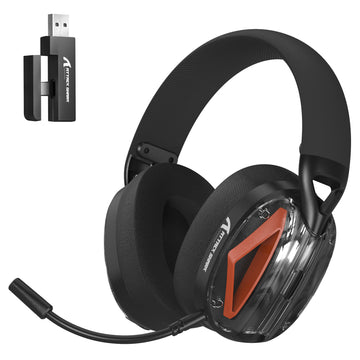
| L60 tri-mode headset | 2.4GHz, Bluetooth, wired; PC/PS5/PS4/Switch/tablet/laptop/smartphone, not Xbox | 40mm drivers; detachable noise-canceling mic | Not verified |
The purchase decision rule
- Choose a specific model for simultaneous game-plus-call use only after its manual or a direct test explicitly confirms concurrent 2.4GHz-and-Bluetooth audio.
- Without that confirmation, choose the model for mode switching, wired fallback, or another documented use case instead, and treat concurrent operation as unverified.
FAQs
Does Bluetooth 5.3 alone prove that a headset can mix a Bluetooth call with 2.4GHz game audio?
No. A Bluetooth version number identifies a wireless standard generation, not how a specific headset routes, mixes, or prioritizes a call against 2.4GHz game audio. Confirming simultaneous use means finding explicit concurrent-connection language in that model's manual or running a live test with your exact platform and call path, since Bluetooth 5.3 alone does not establish audio mixing.
Can an Xbox connect to the 2.4GHz USB receiver while a phone is paired over Bluetooth?
Not unless the specific headset explicitly lists Xbox console compatibility for its 2.4GHz receiver. For example, our L60 documents support across PC, PS5, PS4, Nintendo Switch, and mobile platforms, but explicitly excludes Xbox consoles. Always verify host platform support before troubleshooting phone pairing or audio routing.
What should you do first if audio cuts out only when a phone call connects?
Check whether the headset actually supports concurrent audio mixing or defaults to switching modes. If concurrent use is supported, isolate the two paths by confirming your gaming platform keeps the 2.4GHz receiver assigned for game output while your phone handles call audio, then test each wireless link individually to locate the interference.