


A comfort-first wireless ergonomic mouse suits long work sessions followed by casual gaming, a control-first gaming mouse suits frequent competitive FPS play, and a balanced option works for mixed use when neither activity clearly dominates. Treat hand size, handedness, grip, and shell shape as a veto gate: if the mouse forces an awkward grip or reach, its category label does not make it a good choice.

Choose comfort-first, control-first, or balanced
Choose comfort-first for long work plus casual gaming, control-first for frequent competitive FPS, and balanced for mixed use when neither activity clearly dominates. Fit overrides that result when the shell conflicts with your hand, handedness, or grip.
| Dominant use signal | First priority | Acceptable tradeoff | First design direction |
|---|---|---|---|
| Long work sessions followed by casual gaming | Comfort-first | Accept a less competition-focused shape or feature set if your hand position stays relaxed and your grip remains stable | Ergonomic wireless designs |
| Frequent competitive FPS with rapid aim corrections | Control-first | Accept less palm support if the shell allows predictable movement and familiar controls | Gaming-oriented wireless designs |
| Mixed work plus varied gaming with no clear winner | Balanced | Accept that neither comfort nor control may be maximized | Compare designs that cover both desk work and gaming |
This qualitative matrix is a decision aid, not a validated scoring instrument. Before browsing, mark which side wins each question. If the result is a tie, start with balanced options rather than forcing an extreme. Fit overrides the result when the shell conflicts with your hand, handedness, or established grip.

Match a wireless ergonomic mouse to your hand size and grip
A wireless ergonomic mouse is a good fit only when its shape supports your actual grip and hand position. Compare the shell dimensions and contact points with your hand, and reject any contour that forces an awkward reach or grip change.
Check palm, claw, or fingertip contact
Palm users should check whether the rear of the shell supports the hand without pushing the wrist or fingers into an unwanted position. Claw users should check finger curvature, contact points, and button reach. Fingertip users should make sure the shell leaves enough freedom for the fingers to guide movement instead of trapping them against a broad contour.
The useful question is not whether the product is called ergonomic. Research on mouse shape and hand fit found that posture, comfort, ease of use, and perceived control vary by design and user, so an ergonomic label does not automatically prove a good fit.
Check handedness, reach, and shape limits
Right-handed contours, thumb ledges, taller humps, and pronounced arches can support one hand position while restricting another. Compare the listed handedness and dimensions with your requirements before treating a contour as an advantage. If the shape forces a new grip or limits comfortable movement, rule it out even when the product is marketed as ergonomic.
A strongly upright design may also change movement mechanics and require practice. In a comparison of vertical mouse designs, the vertical mouse required additional practice and had longer target-acquisition times than a standard mouse. Test whether the new position preserves the control you need before making it your main device. For more shape terminology, use this symmetrical versus asymmetrical shape guide after identifying your grip.
Let game type and control demands set the gaming priority
Frequent competitive FPS play is the clearest reason to make control the leading priority. A study of competitive FPS movement found faster and broader hand movement among FPS players than among the tested MOBA and adventure players. Its sample and short sessions make this directional evidence rather than a universal performance rule.
If competitive FPS is a primary use, prioritize unrestricted movement, a predictable grip, and controls you can operate without changing your hand position. This does not mean every FPS player needs a conventional gaming mouse. A comfort-oriented shape can still work when it preserves the movement and control you expect, but any adjustment period matters more when aim consistency is central.
For casual, strategy, role-playing, and varied games, sustained comfort and a stable grip may offer as much or more practical value than competition-focused features. Weight is also personal. One target-acquisition study found that the tested 50 g, 60 g, and 90 g mice outperformed the tested 100 g mouse for that task, but it did not establish a best weight for every player or grip. Use weight as a movement preference, not a universal cutoff.
Wireless and ergonomic labels are not performance verdicts. Judge the intended connection mode, familiarization cost, grip, weight preference, and actual game demands together. When changing to a lighter shape, the ultralight ergo control guide can provide context for adjustment, but keep the final choice tied to your own games and grip.
Verify the fit and wireless details before adding a mouse to your cart
Use the first four steps before adding a mouse to your cart. The fifth step is a post-delivery check, so save the product page's return and warranty terms before checkout.
- Record the priority result. Note whether your first direction is comfort-first, control-first, or balanced, and name the activity that drove the choice.
- Record hand and grip requirements. Write down your handedness, palm, claw, or fingertip grip, preferred hand position, and any shell features that would force a change.
- Compare listed fit details. Check dimensions, hump or arch, thumb support, button placement, and stated weight. Rule out a shape that creates an awkward reach or restricts the movement you need.
- Verify connection and retail terms. Confirm the available connection modes, charging or battery information, software requirements, return policy, and warranty details on the current product page. Do not infer connection quality from the word “wireless”; limited research involving professional gamers provides context, not a guarantee for every implementation. Save these current details before checkout.
- After delivery, evaluate first use. Check for a stable grip, reachable buttons, a comfortable hand position, a dependable connection in the intended mode, and adequate control in the games you actually play. Use the saved return terms if the received mouse creates a clear fit or control problem. You can also compare mouse options, while remembering that a comparison tool does not replace the product page.
If a decision-critical detail is unclear before checkout, compare another option or confirm the current information before buying. After delivery, keep the mouse only if it meets the demands of the primary activity without creating a clear grip or comfort problem during the other one.
Start with the browsing path that matches your result
After identifying your priority, open the matching store path and compare the listed details with your fit and connection requirements. The examples below are catalog references, not rankings, reviews, or proof of universal comfort, latency, or performance.
If comfort leads, start with ergonomic wireless designs
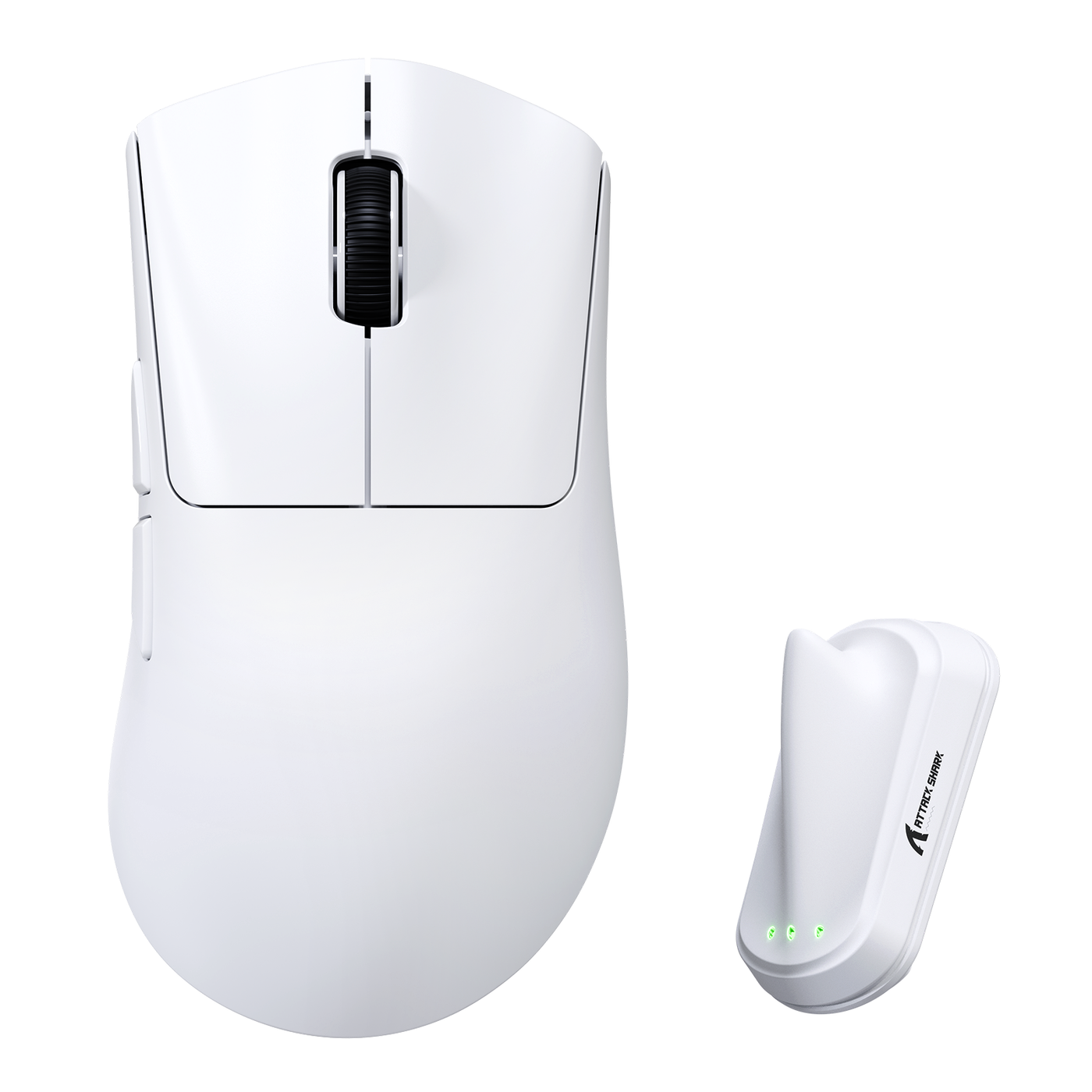
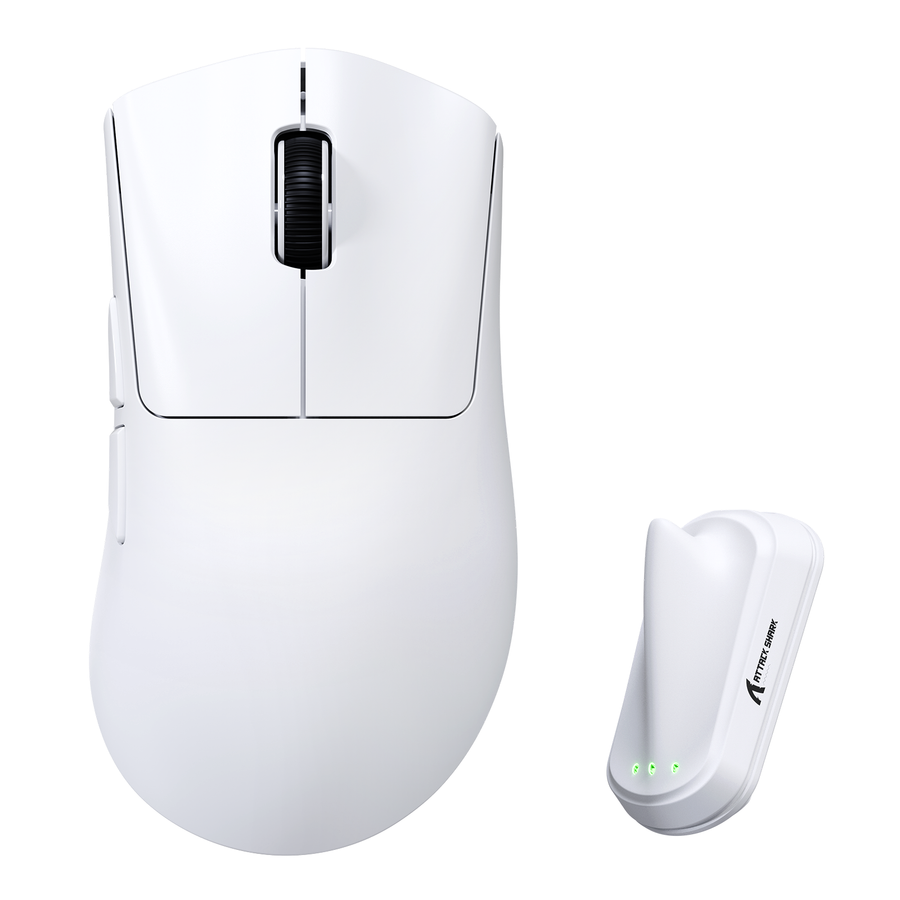
Start with ergonomic wireless gaming designs when sustained desk use and a relaxed hand position are the main constraints. The ATTACK SHARK V8 ergonomic wireless mouse is listed with a right-handed ergonomic shape, a 59g ±3g body, wired/2.4G/Bluetooth 5.2 connectivity, an audience of medium-to-large hands, and FPS and esports use cases. These are listed product attributes, not proof that the shape will fit your hand or deliver a particular result.
If control leads, browse gaming-oriented wireless designs
Start with gaming-oriented wireless designs when competitive control is the harder requirement, then check whether the shell remains workable for long desk sessions. The ATTACK SHARK V3 tri-mode gaming mouse is listed with a PAW3311 sensor, up to 25,000 DPI, and USB, 2.4G, and Bluetooth connections. The ATTACK SHARK V5 tri-mode gaming mouse is listed with a 53g ±3g body, tri-mode connectivity, and FPS, office, and competitive-use scenarios. Use those details to compare against your requirements, not to infer better fit or real-world performance.
If the result is balanced, keep both use cases visible
Choose a balanced path when work and varied gaming both matter and neither can be treated as secondary. Open the wireless ergonomic gaming-mouse collection, then apply the fit and verification checks before checkout. If no option satisfies the more demanding activity without an unacceptable comfort or control tradeoff during the other activity, keep comparing instead of forcing a compromise.
FAQs about wireless ergonomic and gaming mice
These answers apply the fit, game-demand, and tradeoff rules to common shopping questions.
Are ergonomic mice good for gaming?
Yes, an ergonomic mouse can work for gaming when its shape matches your hand and grip and preserves the control your games require. Check the contact points and button reach first instead of choosing based on the ergonomic label alone.
Can an ergonomic mouse be good for FPS games?
It can, provided the shape allows predictable aim and you can adapt without losing the movement freedom you need. If competitive FPS is frequent, make control the leading check and try the intended grip and connection mode in the games you play.
What matters more: comfort or gaming control?
Choose comfort-first when sustained use and relaxed positioning dominate, control-first when competitive FPS movement dominates, and balanced when both activities matter without a clear winner. Let shape fit break a tie.
Is a wireless ergonomic mouse good for long work and gaming sessions?
It can cover both when the shape fits and the connection mode works for your setup. Give the more demanding activity priority, then confirm that handedness, grip, dimensions, connection details, returns, and warranty also work for the other activity.