


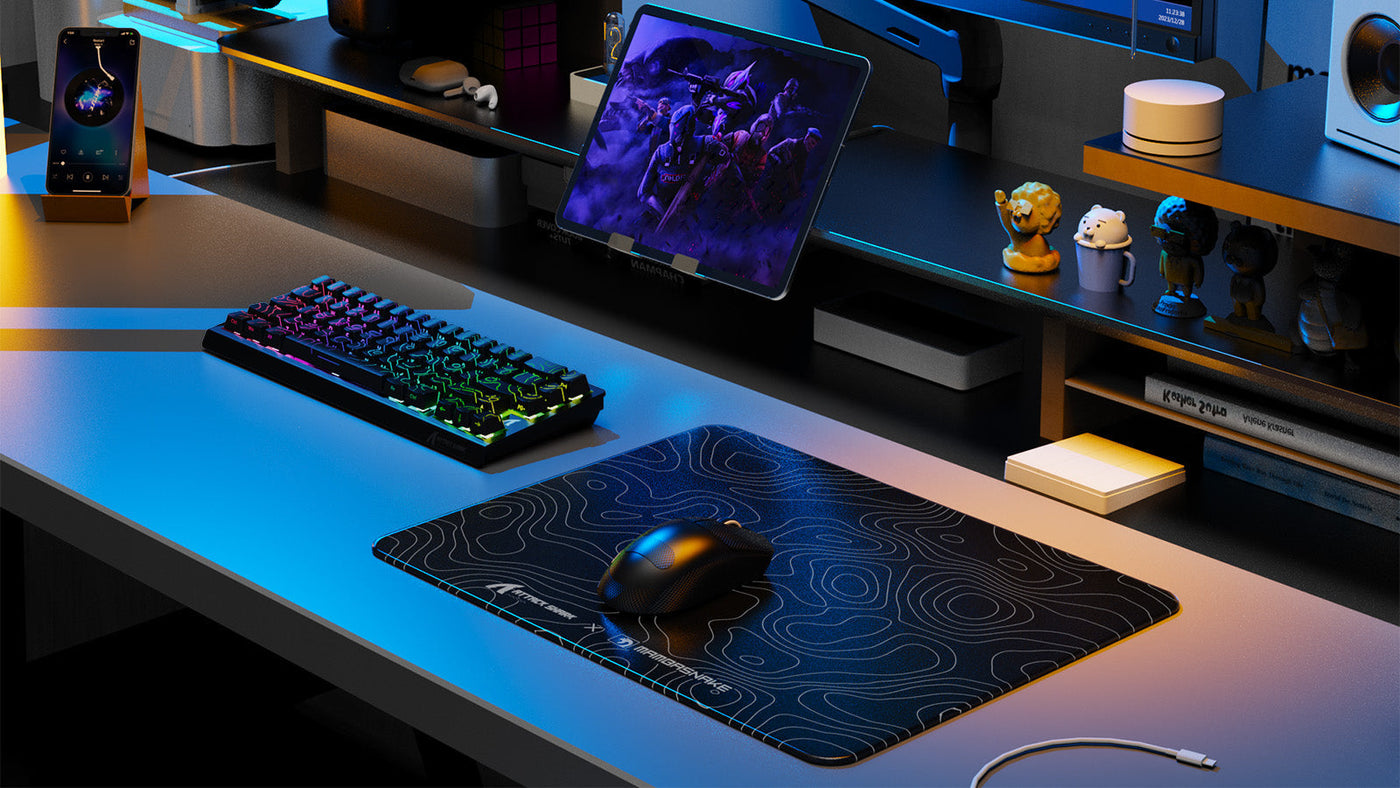
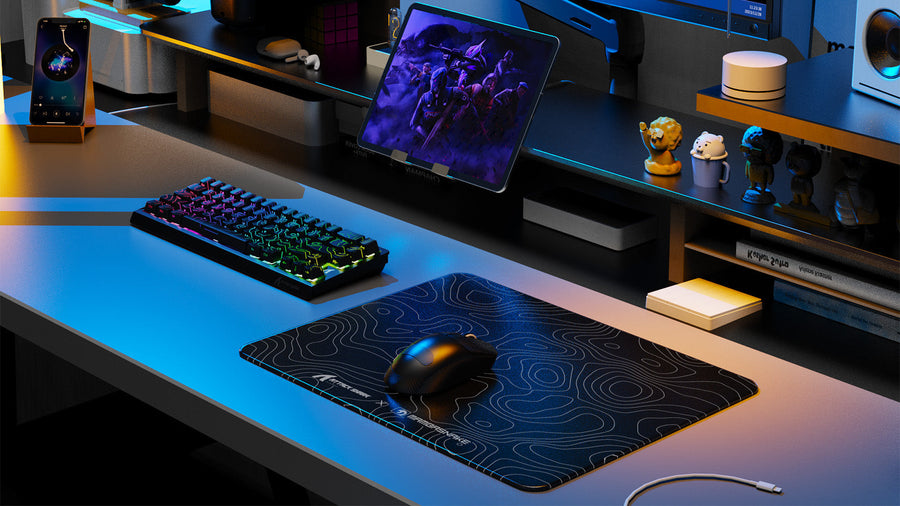
A gaming desk plays a major role in posture, screen distance, and overall comfort during long sessions. Many users searching for gaming keyboards, gaming mousepad setups, or an ergonomic gaming keyboard often overlook desk depth, even though it directly affects monitor distance and arm positioning.
This guide explains the best desk depth for gaming monitors and how to choose the right size for different gaming setups in a practical and easy way.

Why Does Desk Depth Matter for Gaming Comfort?
Desk depth determines how far your monitor sits from your eyes and how much space you have for peripherals. If the desk is too shallow, the screen feels too close and arm movement becomes restricted. If it is too deep, you may lose control of your gaming mousepad positioning and reduce accuracy during gameplay.
For users building setups around gaming keyboards or competitive play, desk depth also affects wrist angle and elbow positioning. A proper depth helps maintain a neutral posture, especially when using an ergonomic gaming keyboard that requires stable arm support. In most cases, desk depth is one of the most important but least considered parts of a gaming setup.
What Is the Best Desk Depth for Gaming Monitors?
The ideal desk depth depends heavily on monitor size and viewing distance. Most gaming setups perform best within a balanced range that supports both visibility and comfort.
Recommended depth range
For most users, a depth between 60 cm and 80 cm works well. This range allows enough space for monitor placement while keeping your gaming mousepad and keyboard within comfortable reach. It also supports proper eye distance for standard and curved monitors. OSHA recommends a preferred viewing distance of between 20 and 40 inches (50–100 cm) from the eye to the screen surface, which means your desk must be deep enough to keep the monitor within that safe range. OSHA monitor guidelines and OSHA desk standards both confirm that desk surface depth directly controls how safely and comfortably a monitor can be positioned.
Why deeper desks can help
A deeper desk is useful when using larger screens or multiple accessories. It gives flexibility to adjust monitor distance without pushing peripherals too close to the edge. This is especially helpful for users combining gaming keyboards with wide mouse movement space.
When shallow desks become a problem
Desks below 60 cm often force monitors too close to the user. This can reduce visual comfort and make it harder to position a gaming mousepad properly without restricting movement space.

How Much Space Do Gaming Keyboards and Mousepads Need?
Keyboard and mouse space requirements significantly influence how deep your desk should be. Many setups fail not because of monitor size, but because peripheral space is underestimated.
Keyboard space considerations
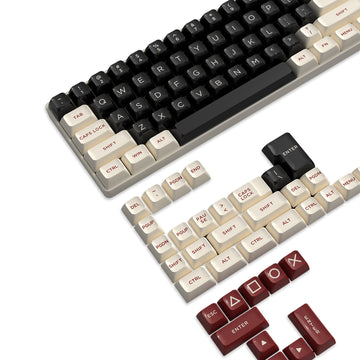
A full-size or TKL gaming keyboard typically needs enough depth clearance so your wrists do not hang over the edge. When using an ergonomic gaming keyboard, additional space helps maintain natural wrist alignment during long sessions. A wrist rest can also help reduce strain when desk depth is limited.
Mousepad movement area
A large gaming mousepad often extends across a significant portion of desk width and depth. If desk depth is too limited, mouse movement becomes restricted, especially in FPS or fast-paced games.
Balanced layout planning
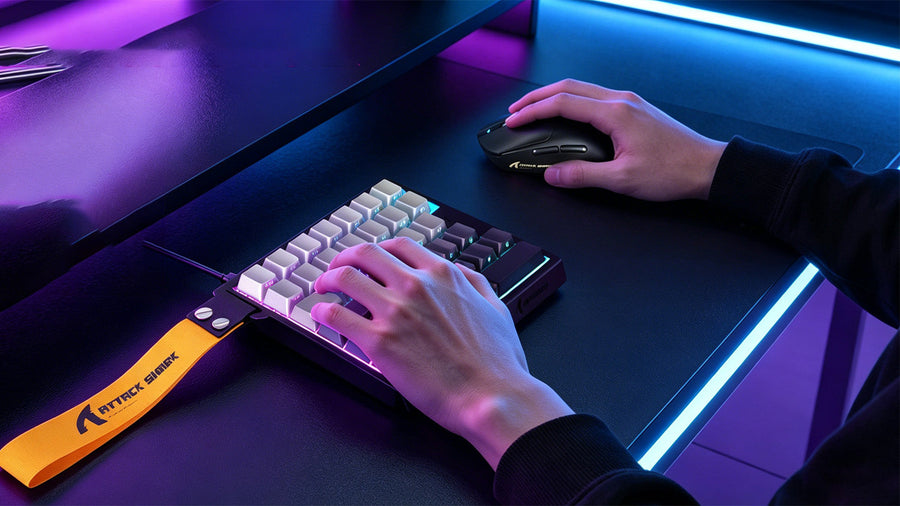
A well-planned desk allows both keyboard stability and free mouse movement. This balance becomes easier when desk depth supports at least 20–30 cm of front-space usability beyond the keyboard placement.
Should Monitor Size Affect Desk Depth?
Monitor size directly affects how far you should sit from the screen, which makes desk depth an important matching factor.
Standard monitor setups
For 24–27 inch monitors, mid-range desk depth is usually sufficient. It allows a natural viewing distance without pushing the monitor too close or too far back. This works well for most gaming keyboards and casual setups.
Larger and ultrawide monitors
For 32-inch or ultrawide displays, deeper desks are often more suitable. They help maintain comfortable viewing distance and reduce neck strain during extended use of gaming mousepad and multi-window workflows.
Dual monitor configurations
Dual setups require additional spacing to prevent the screens from feeling cramped. A deeper desk helps maintain consistent eye alignment across both displays, especially when using an ergonomic gaming keyboard for productivity and gaming combined.
How Do You Create an Ergonomic Gaming Position?
Ergonomics depends not only on chair height but also on how desk depth positions your body relative to the screen and peripherals.
Your eyes should naturally rest at a comfortable distance from the monitor without leaning forward. This is easier to achieve when desk depth supports flexible monitor placement.
Your elbows should remain at a relaxed angle when using gaming keyboards or a gaming mousepad. Desk depth affects whether your arms are fully supported or forced into awkward positioning.
If the desk is too shallow, users often lean forward unconsciously. A deeper desk helps maintain a neutral spine position, especially during long sessions involving an ergonomic gaming keyboard. Occupational health guidelines note that a poor monitor angle leads to neck and shoulder discomfort, while the wrong viewing distance contributes directly to eyestrain — both of which desk depth controls. CCOHS monitor positioning guidelines provide a detailed breakdown of how desk depth and monitor placement interact for long-term comfort.
What Desk Depth Works Best for Different Gaming Setups?
Different setups require different spacing strategies depending on monitor count and gameplay style.
Single Monitor Setup
A single monitor setup usually works best with moderate desk depth. This allows enough room for a gaming keyboard and gaming mousepad without pushing the monitor too close to the user. It is also the most flexible configuration for compact spaces.
Dual Monitor Setup
Dual monitor setups require more depth to maintain comfortable viewing angles. Extra space helps avoid neck rotation strain and keeps both screens aligned properly within your field of view.
Ultrawide Monitor Setup
Ultrawide monitors benefit from deeper desks because they require more viewing distance. This setup also needs additional space for peripheral balance, especially when using large gaming mousepads and extended keyboard layouts.
Which Common Desk Size Mistakes Should You Avoid?
Many gaming setup issues come from incorrect assumptions about space rather than hardware limitations.
A visually appealing desk may not always provide enough functional depth. Always consider monitor distance and peripheral usage instead of design alone.
Underestimating gaming mousepad space often leads to cramped movement, especially in competitive gaming environments.
Placing monitors, speakers, and accessories too close together reduces usable space. Proper desk depth helps maintain separation and comfort.
How Can You Use a Gaming Desk Dimensions Guide Before Buying?
A gaming desk dimensions guide helps you match desk size with your actual usage needs rather than guessing based on appearance or price.
Start by listing your main equipment, including gaming keyboards, monitor size, and gaming mousepad dimensions. Then consider how much movement space you need for both hands during gameplay. Finally, match these requirements with desk depth ranges to ensure your setup supports long-term comfort and performance.
Using a structured approach reduces the risk of buying a desk that feels too shallow or unnecessarily large for your space.
Conclusion: Match Desk Depth to Your Setup for Long-Term Comfort
Desk depth is a key factor in building a comfortable and efficient gaming setup. Whether you use gaming keyboards, a gaming mousepad, or an ergonomic gaming keyboard, the right depth ensures proper monitor distance, better posture, and smoother gameplay. Choosing based on your setup type rather than appearance helps create a more balanced and long-lasting gaming environment.
FAQs
What Is the Ideal Desk Depth for Gaming Monitors?
The ideal desk depth for gaming monitors is 60–80 cm. This range allows a comfortable viewing distance while leaving enough space for a gaming keyboard and gaming mousepad. It also helps maintain proper posture during long gaming sessions.
Can a Shallow Desk Affect Gaming Performance?
Yes, a shallow desk can reduce gaming comfort and control accuracy. Limited depth forces the monitor closer and restricts mouse movement space on a gaming mousepad, which can negatively impact precision in gameplay.
Do Gaming Keyboards Require Extra Desk Depth?
Yes, gaming keyboards require sufficient desk depth to support proper wrist positioning. Without enough space in front of the keyboard, an ergonomic gaming keyboard cannot be used comfortably for long periods.
Is Desk Depth Important for Ultrawide Monitors?
Yes, ultrawide monitors require deeper desks for proper viewing distance. A deeper setup prevents eye strain and allows better screen coverage when combined with gaming keyboards and peripherals.
How Do I Choose the Right Gaming Desk Size?
You choose the right gaming desk size by matching depth to your monitor size and peripheral needs. A typical range of 60–80 cm works for most setups, but larger screens or multi-monitor layouts often require deeper desks.