


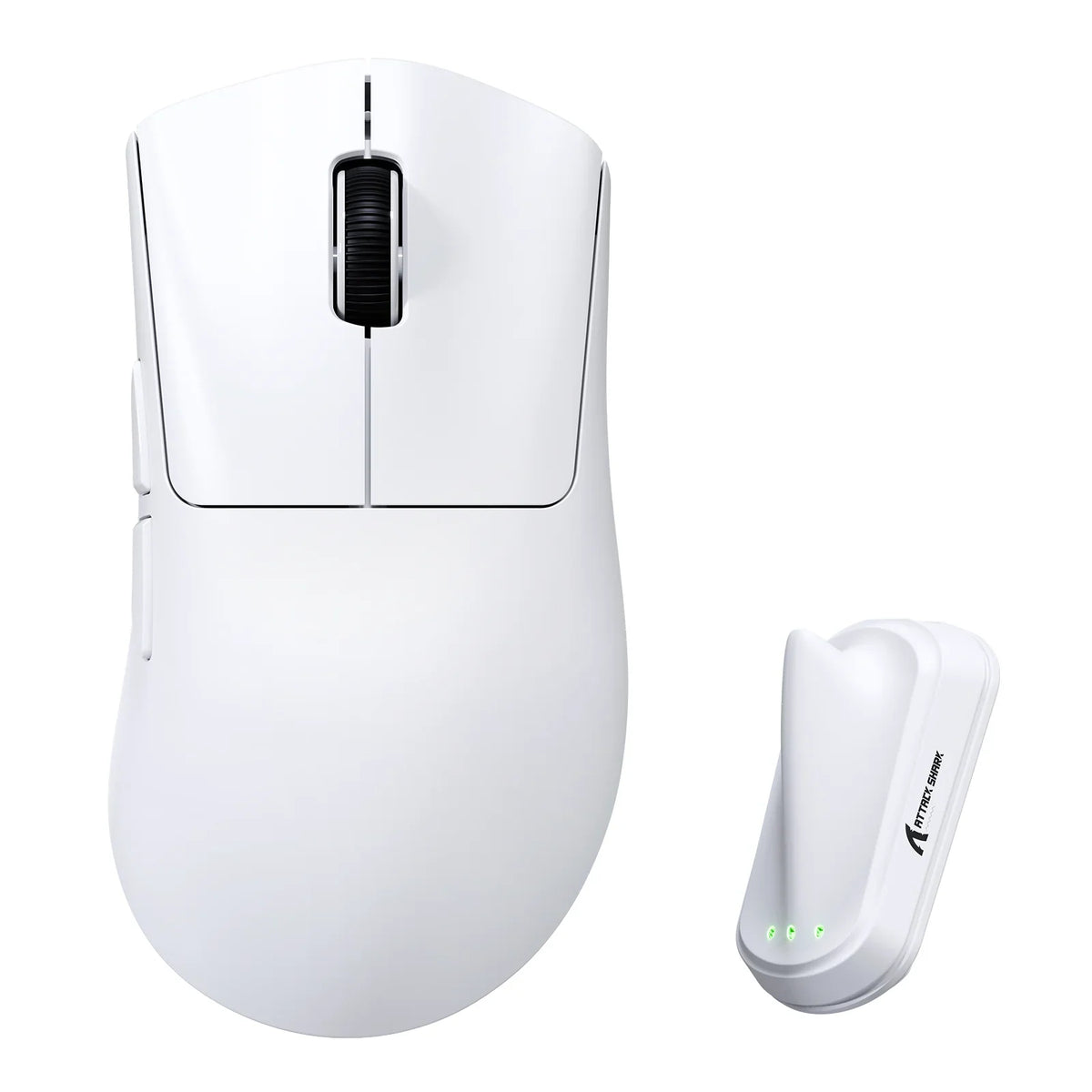
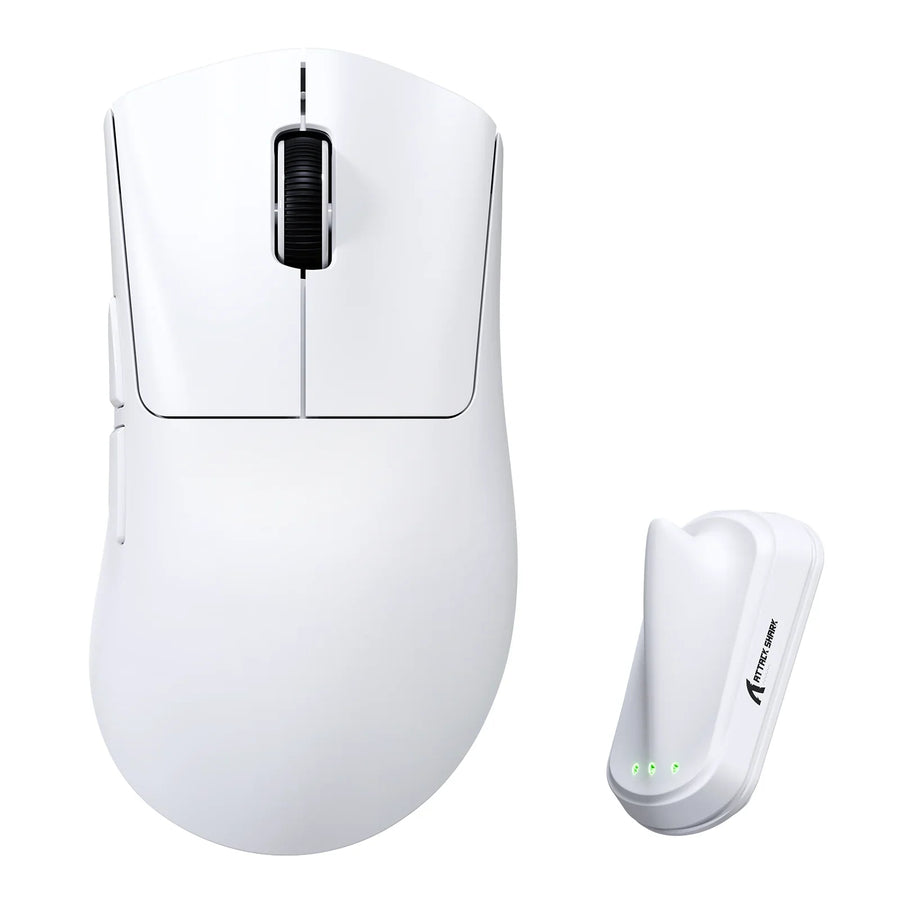
The biggest mouse gaming shoppers can find isn't automatically the best fit for a large hand. The right choice depends on which shape pattern actually fills the gap in your current grip: a wide waist for lateral finger room, a high-back hump for palm fill, or a flared right-side ledge for right-handed finger support. Treat total weight as a separate check that comes after the shape already works.
Large-handed players who use a full palm grip often assume bigger automatically means more comfortable. A large shell can add contact in one spot while adding drag or finger splay somewhere else, so screening shape and weight together matters more than chasing the largest listed size.
Choose the shape pattern before chasing the biggest size
Pick the route that solves your specific missing contact point instead of the shell with the largest footprint. Research on ergonomic mouse design notes that palm support and movement ease can compete, so the goal is enough support in the right place, not maximum volume.
- Wide waist: Investigate this when your palm and outer fingers need more lateral platform than a narrow shell gives them, but watch for added finger splay.
- High-back hump: Investigate this when your rear or mid-palm has no stable contact point, but skip it if the apex pushes your hand forward.
- Right-side ledge: Relevant only if you're right-handed and the flare matches how your ring and pinky naturally rest; otherwise it can crowd your grip.
Total weight is a separate filter you apply after one of these shapes fits. A light mouse in the wrong shape still leaves your palm unsupported.
Measure the contact points, not just the shell label
A "large" or "palm-grip" label on a product page can't confirm fit by itself. Compare your hand against the listed dimensions, then check where your palm and fingers actually land on the shell.
- Measure your hand length in inches from the base of the palm to the tip of your middle finger, using a consistent starting point each time.
- Note your preferred grip: full palm, relaxed claw, or fingertip, since the shape requirements shift with grip.
- Compare your hand length against the candidate's listed length, width, and height together, not just one dimension.
- Check whether your palm rests fully on the rear shell, and whether your thumb, ring finger, and pinky have contact without pinching or overreaching.
- Use your current mouse as a reference: identify the exact spot that feels cramped or unsupported, and look for a candidate that improves that specific point.
A peer-reviewed ergonomic mouse study backs this multi-factor approach, noting that mouse geometry, hand size, and posture should be assessed together rather than relying on a single spec or size label. A short check like this can catch obvious crowding, but it won't confirm long-term comfort; that only shows up after extended use.

When a wide-waist body is the right fit
A wide waist is the right call when your palm and outer fingers need more lateral room than a narrow shell provides. If your ring and pinky currently rest without active squeezing on your existing mouse, a wider waist can extend that same relaxed contact across a bigger shell.
The tradeoff shows up when the flare goes too far. If the sides push your fingers outward or your pinky starts dragging against the mousepad, the extra width is working against you instead of for you. In that case, a narrower or more neutral shape is the better fit, even if it looks smaller on a spec sheet.
When a high-back palm hump is the right fit
A high-back hump helps when your rear or mid-palm currently has no stable anchor point. For a large palm or relaxed claw grip, a hump placed under the natural resting spot of your hand can fill that gap without changing how your fingers reach the buttons.
The same hump can feel intrusive if it sits too far forward or too tall for your hand, since it can tilt your fingers into a steeper angle or push your whole hand forward on the shell. Rather than judging by shell height alone, check where the apex actually meets your palm. Our guide on mouse hump placement walks through how that placement interacts with grip and precision if you want a deeper look before deciding.
When a flared right-side finger ledge helps
A flared right-side ledge helps right-handed users whose ring and pinky fingers want a dedicated resting surface instead of a flat side panel. When that contour matches your natural finger position, it can anchor those fingers and reduce the small muscle effort needed to keep them from sliding off the shell.
The same feature can backfire if the flare splays your fingers outward or conflicts with a grip you already find comfortable on a more symmetrical shell. Left-handed shoppers should treat a right-side ledge as a compatibility question rather than an automatic upgrade, since the geometry was built around the opposite hand.
Balance palm support against total weight and weight distribution
Compare total weight only after a shape already meets your palm and finger needs, not before. A lighter mouse can reduce the effort needed to start and stop a movement, and research on mouse ergonomics links weight to forearm muscle activity during fast operation. But lightness can't fix a shell that leaves your palm unsupported.
Total weight is the easy number to compare because it's listed on every product page. Center of gravity and front-to-rear mass distribution are different variables, and most listings don't document them. Until a specific model has tested balance data, treat its distribution as unknown rather than assuming a lighter shell is automatically better balanced. Our breakdown of weight distribution and inertia covers why stopping speed depends on more than the number on the box, if you want to dig into that mechanic before buying.
Verify a candidate before adding it to your cart
Run through a short verification sequence before checkout so you're not relying on a size label alone. Each step below resolves one specific unanswered question from the product page.

- Measure your hand and note your preferred grip, as described earlier, so you have a fixed reference point.
- Pull the candidate's listed length, width, and height and compare them against your hand measurement in the same unit.
- Check the product page for explicit handedness and hand-size wording instead of assuming from the word "ergonomic" alone. You can measure mouse dimensions yourself with calipers if the listing feels vague.
- Match the shape description against the route you picked earlier: wide waist, high-back hump, or right-side ledge.
- Confirm total weight and the return policy before purchase, since a shape that reads well on paper can still feel off in hand.
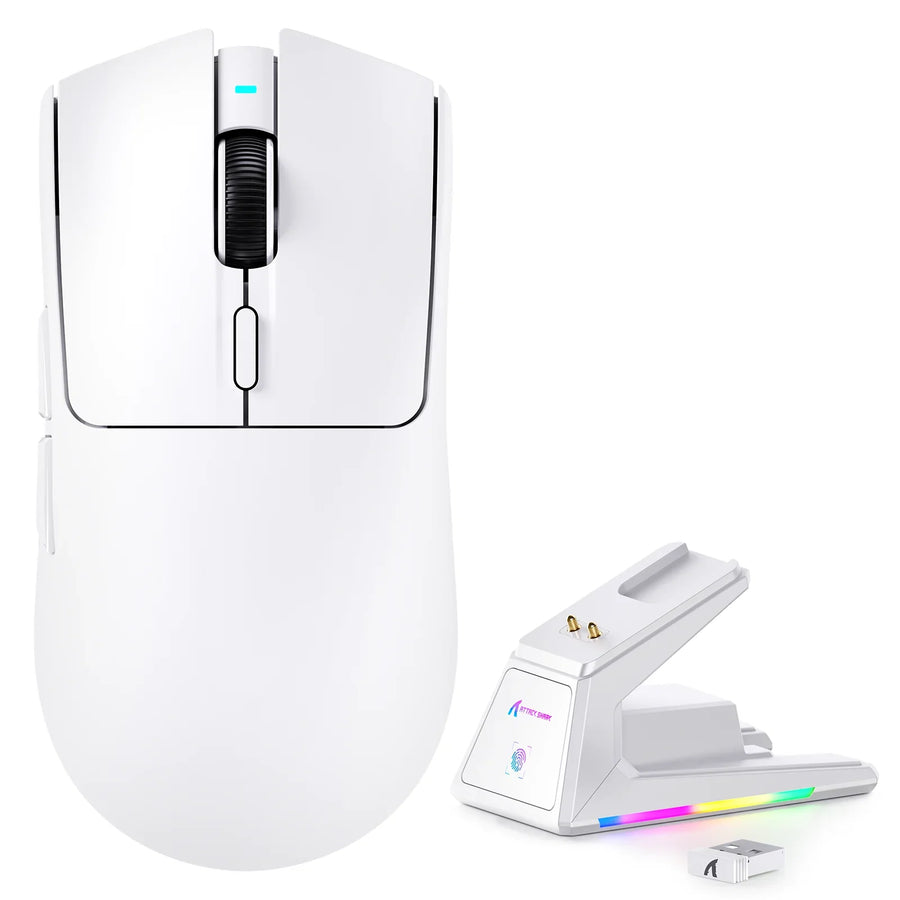
As documented examples, our V8 ergonomic mouse is listed as a right-handed shape for medium to large hands, at 126.37 mm x 67.8 mm x 40.7 mm and 59g ±3g. Our V2 AIR ergonomic mouse is listed at 124.0 mm x 68.0 mm x 39.0 mm and 52g ±3g, a lighter comparator at a similar footprint. Neither listing proves palm comfort or confirms shape-category fit on its own; they're a starting point for the measurement steps above. Once you've confirmed your dimensions, handedness, and shape route, we can point you toward whichever listing actually matches what you measured.
FAQs
Does a flared right ledge work for left-handed grips?
A flared right-side ledge rarely suits a left-handed gamer because the contour is sculpted specifically to cradle right-hand fingers. Unless a left-handed grip leaves your outer fingers completely relaxed during rapid mouse swipes without awkward pinching, choose a symmetrical or dedicated left-handed shell instead.
Can an ultra-light mouse provide adequate support for large hands?
Yes, provided the shell geometry matches your hand dimensions and grip style. Shell height, waist width, and hump position dictate physical palm contact, so a lightweight mouse with a roomy ergonomic body can deliver solid palm resting without unnecessary gliding drag.
How should you choose between a wide waist and a high rear hump?
Choose a wide waist if your ring and pinky fingers need broader lateral support to prevent pinching against the pad. Choose a high rear hump if your palm lacks contact underneath the knuckle line or rear base, keeping your hand anchored without forcing an unnatural forward tilt.