


The right keyboard dampening foam depends on your sound goal and how much clearance your case allows, not on which material has the best reputation. Poron works well for soft, compressible cushioning or targeted isolation between parts. IXPE suits a stable, closed-cell spacer or cushioning layer, while EVA is the practical, low-cost pick for filling a hollow case cavity when there's room to spare.
None of the three is a universal winner, because the audible result depends on your board's construction, the foam's placement, and its exact grade. This guide compares their properties, explains what dampening foam actually changes, and walks through how to place, measure, and install it without creating fit problems.
Poron vs IXPE vs EVA: Choose by Sound Goal and Fit
Start with the sound or fit problem you're trying to solve, then match it to the material family built for that job. Treat the table below as a starting point, not a ranking, since exact grade and thickness still decide the result on any given board.
| Material | Documented behavior | Best-fit goal | Limitation |
|---|---|---|---|
| Poron | Polyurethane foam; compression-set resistance; some grades show low-frequency absorption and vibration isolation | Soft cushioning, gap filling, targeted isolation | Grade-specific; thin formats exist but must match the cavity |
| IXPE | Cross-linked polyethylene; closed-cell, dimensionally stable, with compression recovery | Stable closed-cell cushioning or spacer layer | Portfolio spans roughly 0.06-8mm; density and hardness vary by grade |
| EVA | Closed-cell, grade-variable; common in 2-5mm keyboard sheets | Inexpensive cut-to-fit case cavity filling | Compression and long-term feel depend on grade and thickness |
Poron is the defensible starting point when you need soft compression or want to seal a specific gap, since its documented compression-set resistance helps it hold shape under repeated flexing. IXPE is the better call when you want a stable, lightweight layer that keeps its thickness after cutting and reassembly. EVA remains the most accessible option for a first case-filling experiment, and keyboard-specific guidance on EVA foam recommends measuring the case cavity and test-fitting before committing to a thickness. None of this evidence supports calling one material universally quieter; the placement and clearance decisions in the next two sections matter just as much as the label on the sheet.
What Keyboard Dampening Foam Actually Changes
Dampening foam can change three separate things inside a keyboard: how sound is absorbed, how empty space is filled, and how vibration travels through the case. Adding foam does not guarantee that every source of clatter disappears, because each mechanism only addresses part of the noise path.
Absorption is not the same as blocking
Absorption means a material converts some sound or vibration energy into heat instead of letting it bounce or transmit further. One tested Poron grade, PORON 40V0, showed useful low-frequency absorption and vibration isolation, but that result is specific to that grade and does not carry over to every Poron sheet automatically. A foam can help with absorption or isolation without erasing a keyboard's overall tone, because airborne sound, structural transmission through the case, and the mechanical click of a switch are three different things happening at once.

Filling and isolation solve different problems
A foam insert in the bottom case mainly addresses empty volume and how much the panel can resonate when it's mostly hollow. A layer positioned near the plate, PCB, or switch area instead changes how mechanical vibration transmits from the switch to the case, which affects feel as much as sound. The keyboard's case material, plate, mounting system, and switch type all still contribute to the final result, so foam is one input among several rather than the whole answer.
Match Foam Placement to the Sound Problem
Choose the target location before you choose a material, since the same foam behaves differently depending on where it sits and how much it's compressed. Two placements cover most practical mods.
For a hollow or resonant case
Start with the bottom-case cavity if your board sounds hollow or "ping-y," since case foam is the location most keyboard-specific guidance ties to filling and general resonance control. Pick a thickness that still leaves clearance for the PCB, battery, standoffs, and screws, and expect a change in hollowness rather than a guarantee that all noise disappears. If the case closes with noticeable resistance after adding foam, the sheet is too thick for that cavity.
For targeted plate, PCB, or switch-area changes
Use a thin, precisely cut layer when the goal is controlling contact or vibration at a specific point rather than filling open space. Keep the cut clear of sockets, switch stems, flex cuts, stabilizer wires, and mounting screws, since interference here can change key feel or prevent proper seating. Treat any shift in pitch or resonance from this kind of mod as experimental, since it depends heavily on your specific plate and PCB combination.
How to Judge Dampening in a Cheap Gaming Keyboard
A meaningful dampening claim on a cheap gaming keyboard names the material and tells you where it sits inside the case. A listing that just says "sound dampening" without naming a material or location gives you little to evaluate before buying.
Read the foam claim as a construction specification
Look for language that identifies the material, the number of layers, and whether each one sits in the case, on the plate, under the PCB, or around the switches. That level of detail tells you what the manufacturer actually built, separate from how it might sound on your desk. If a listing can't tell you where its foam goes, treat the dampening claim as unverified rather than assuming it addresses your specific noise complaint.
Use a documented multi-layer board as an example, not a promise
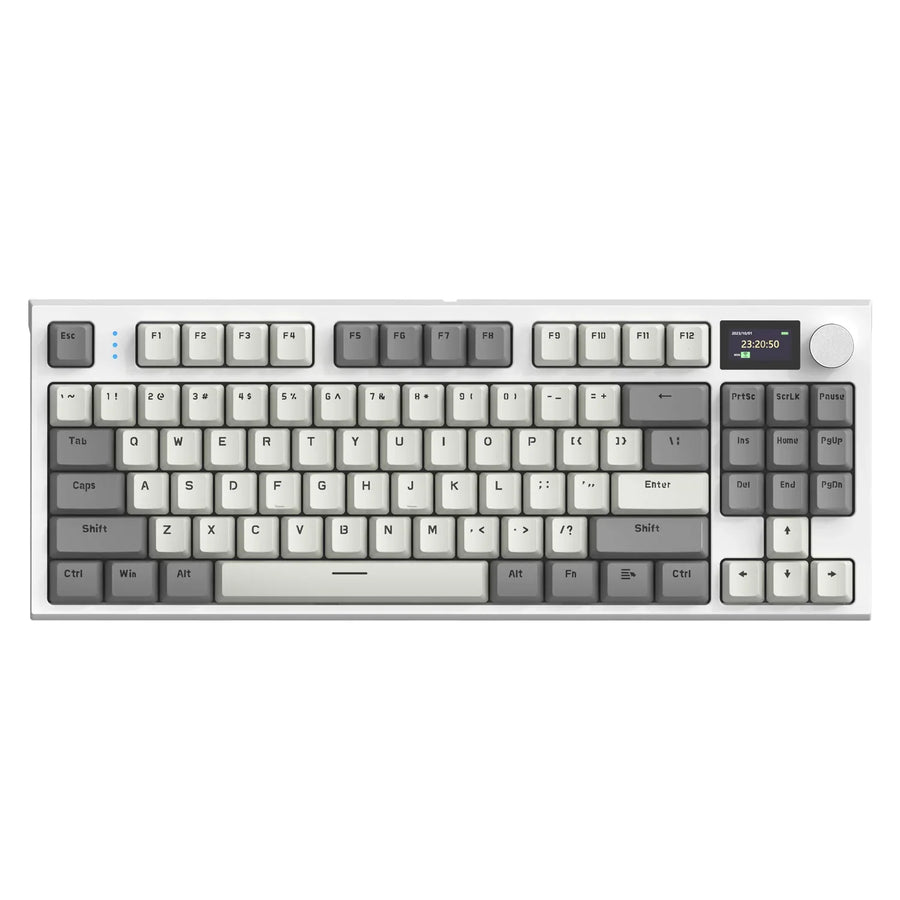
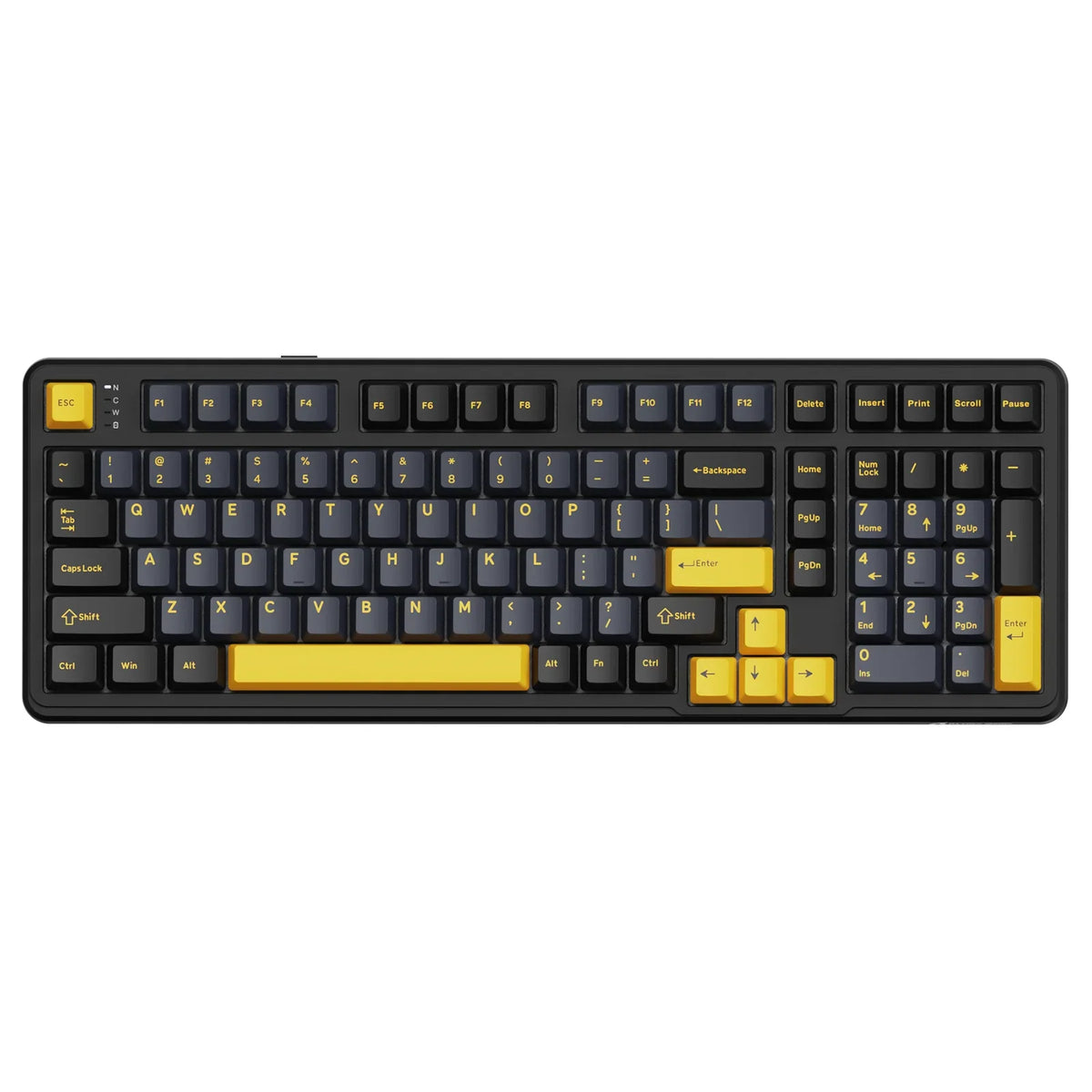
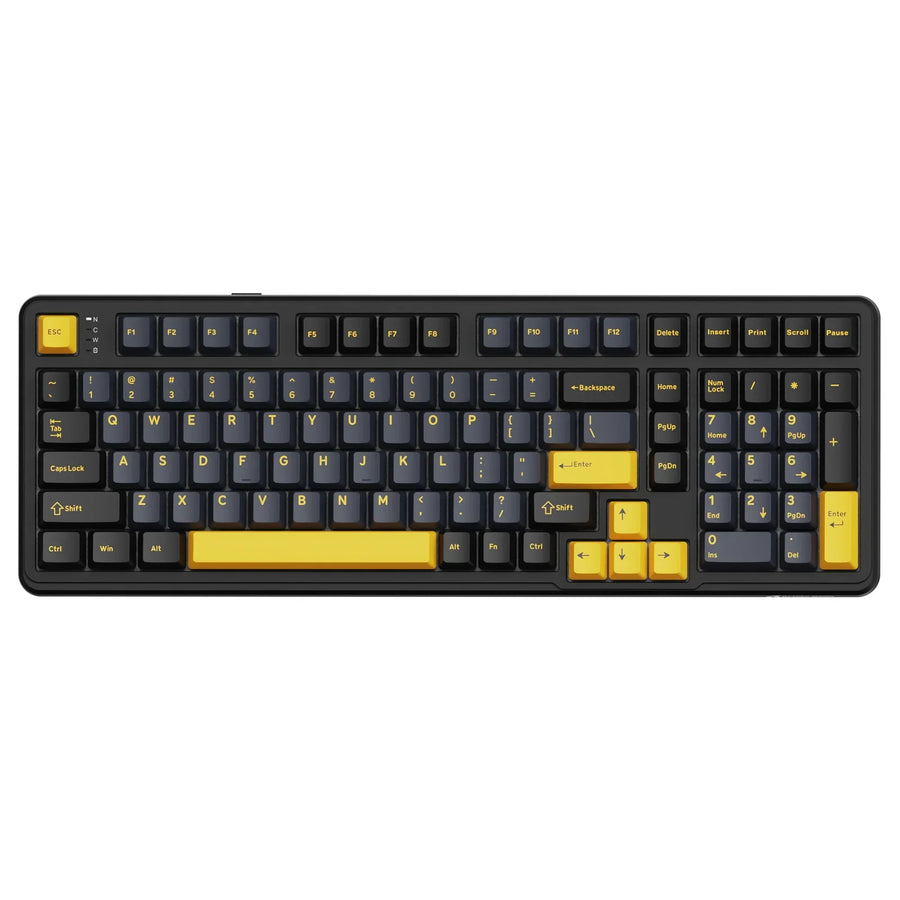
Our ATTACK SHARK X98 foam layers are one example of this kind of listing detail: the X98 names PORON foam, a 10x IXPE switch pad, a PET noise-cancellation pad, an EPDM dampening pad, and a silicone pad across its gasket-mounted case. That specificity shows what's inside the board and where each layer sits. It does not independently prove that every buyer will hear less resonance or clatter, since layer count alone isn't an acoustic measurement. If you're weighing that kind of build against a stripped-down budget board, our guide on where the cheap mechanical keyboard budget floor shifts can help you decide how much construction detail your price range should include.

How to Measure, Test-Fit, and Install Keyboard Foam
Install foam by identifying your target location first, then measuring before you cut. Skipping the measurement step is the most common way to end up with a case that won't close.
A low-regret installation sequence
- Identify the location and the sound problem you're targeting, whether that's a hollow case, a resonant plate, or a loose switch area.
- Measure the cavity depth and coverage before cutting any foam, including the space around standoffs, batteries, sockets, and screw posts.
- Cut the sheet slightly oversized, then dry-fit it in the case without adhesive.
- Close the case without forcing it, and check that the plate, PCB, and switches still seat correctly.
- Test the sound and feel, then adjust one variable, such as thickness or placement, before testing again.
Use one change at a time
Note how the board sounds and feels before you start, so you have something to compare against. Change one variable at a time, such as swapping only the case foam or only the plate layer, instead of stacking several changes at once. If you're chasing a specific resonance character rather than general fill, the Tempest Tape Mod guide covers a related tuning approach, though it addresses a different mod than the foam materials compared here.
FAQs
Is thicker keyboard foam always better?
No. Thicker foam is not automatically better, and it can create fit problems or unwanted stiffness in the typing feel. Measure your case or plate clearance first, then dry-fit the thinnest layer that addresses your target cavity or placement before assuming a thicker sheet will help.
Can foam eliminate every rattle or ping in a board?
No. Internal dampening foam alters airborne cavity resonance and structural vibration transmission, but it cannot fix loose stabilizer wires, unlubricated switch stems, or metallic switch leaf ping. Address switch and stabilizer maintenance directly rather than relying on case or plate foam alone to quiet those mechanical sounds.
How do you choose between Poron and EVA for a hollow case?
Choose EVA if you want an inexpensive, accessible material to fill an open bottom-case cavity where broad clearance exists. Choose Poron when working with tight tolerances, gasket mounting, or specific gaps where soft, predictable compression without permanent deformation is critical.