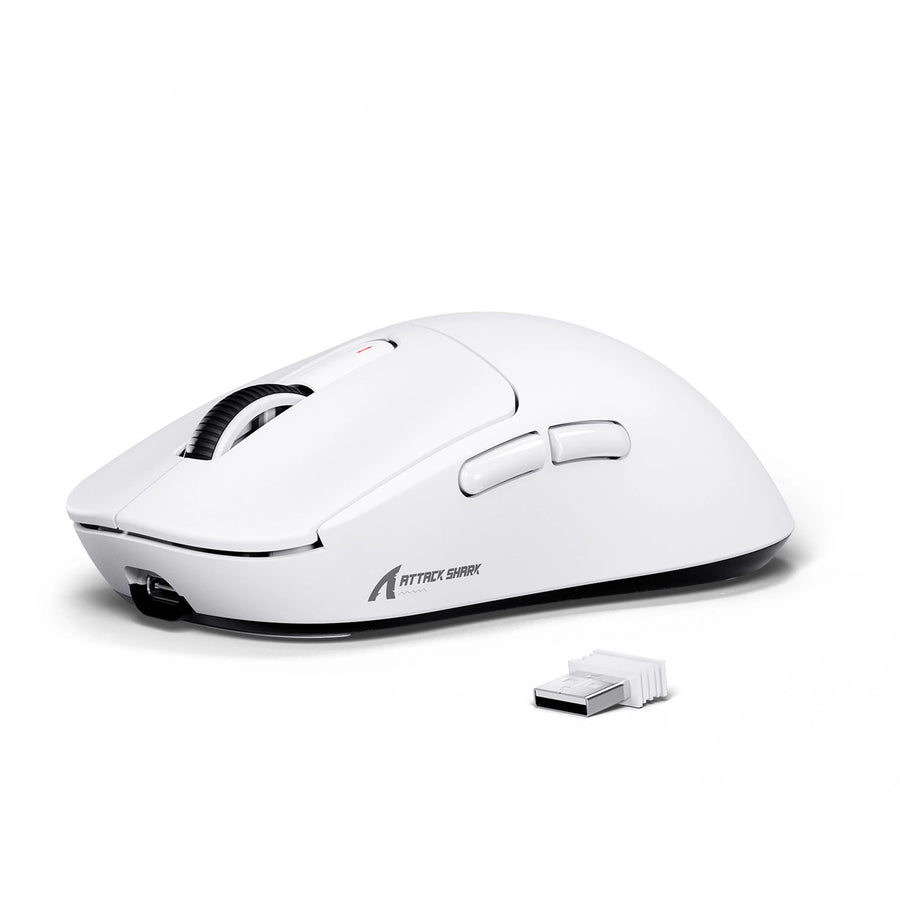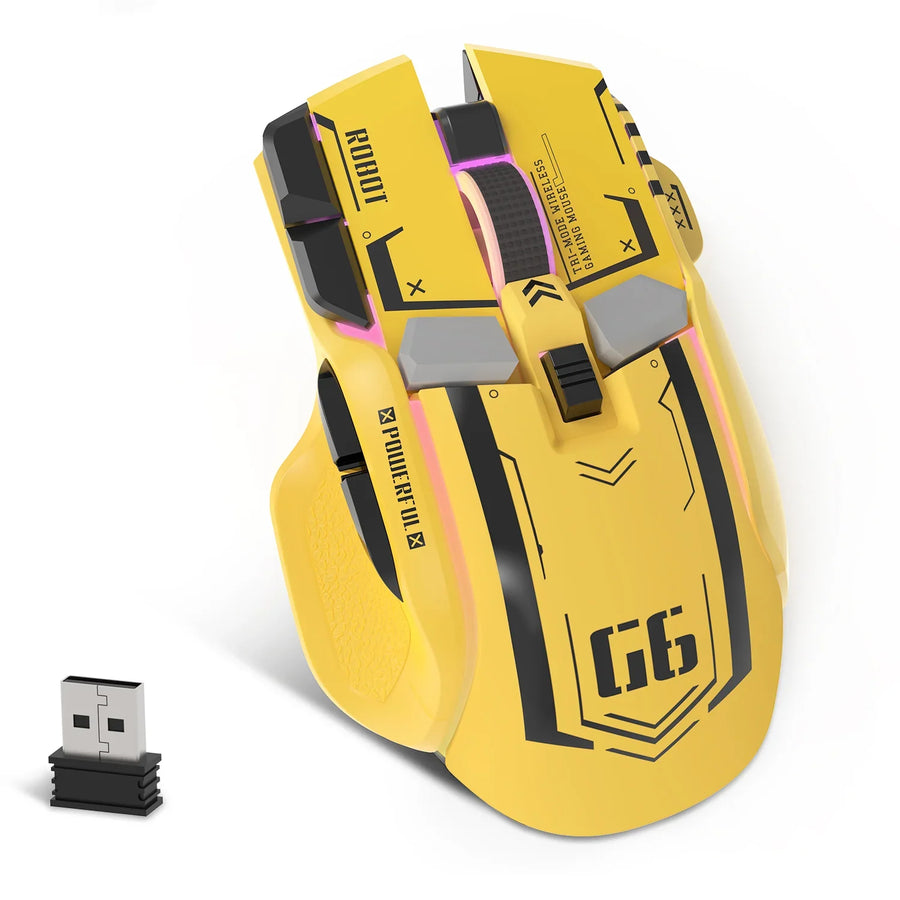



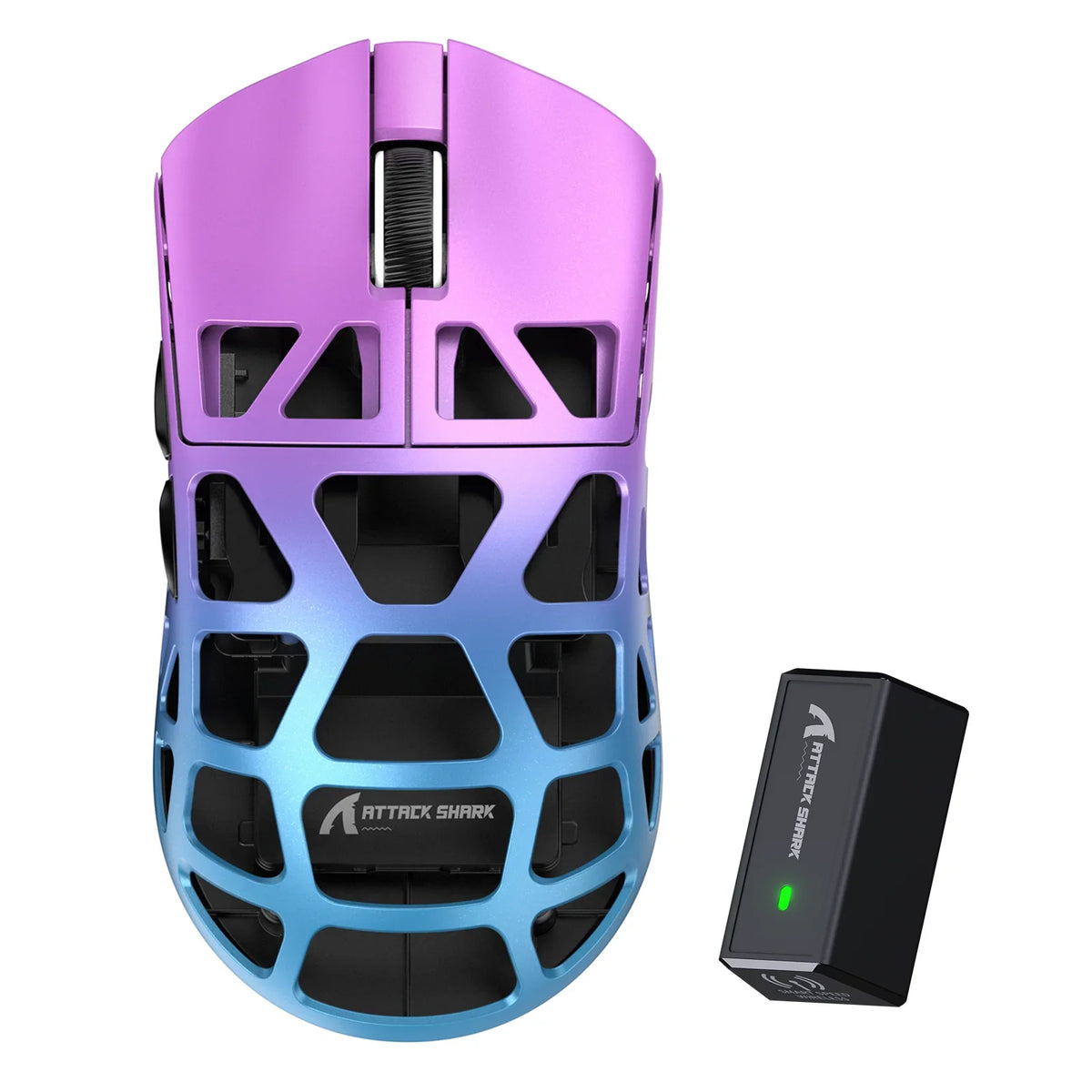
Careful gaming mouse cleaning starts with your exact model's care instructions. If the instructions permit liquid, wipe only the outer shell with a soft cloth that is damp but never dripping; if care guidance is silent or unconfirmed, use a dry, soft cloth instead. No single cleaner suits every mouse finish, so a general electronics recipe is a reference point, not proof that your coating will stay unharmed.
Keep liquid out of every opening and never soak or open the mouse during routine care. Let it dry completely before you turn it back on. If anything looks or feels wrong, stop and get help for your specific model.
A Cautious Exterior-Cleaning Sequence
These steps follow general electronics guidance that covers mice. Your model's own instructions win wherever the two differ.
- Find your model's care instructions first. Look up the manual for your exact mouse before you pick up any liquid. If you own one of our mice, we post user manuals for our keyboards and mice on our driver and manual downloads page.
- Power off and disconnect. Springfield Technical Community College's IT guide applies to desktop accessories, including mice, and it gives a clear power-off and disconnect instruction: never clean a product while it is powered on or plugged in. Unplug a wired mouse, and switch off a wireless one before you start.
- Dampen the cloth, not the mouse. The college guide specifies a damp microfiber cloth with 70% isopropyl alcohol and 30% water, and the cloth should be damp but not dripping wet. Treat that mixture as the guide's general example. Use it only if your specific model's instructions explicitly permit that mixture or alcohol concentration; otherwise, follow the manual or use a dry, soft cloth. Penn State EHS's general computer-product guidance also says to use only a soft, lint-free cloth.
- Wipe the outer shell gently. Work across the top, sides, and buttons with light pressure. Never spray liquid straight onto the mouse. Keep the cloth's edge away from gaps and openings.
- Let it air-dry completely. Leave the mouse off until every surface is fully dry. Then reconnect it and check that it tracks and clicks normally.
Choose Tools Only After Checking the Mouse's Finish
Pick your cloth and any liquid based on what your mouse is made of and what its maker says. What worked on another device is not a guide.

- Identify the exact model and its finish. Check the manual or spec sheet for the shell material or coating. Gaming mice do not all share one surface, so one model's routine may not transfer to another.
- Follow the maker's stated tools and cleaners. Penn State EHS notes that each material might have specific cleaning requirements and tells readers to follow all manufacturer recommendations and warning labels.
- Skip the alcohol mix if your instructions are silent. The college guide itself warns that finishes can change cosmetically. It says high levels of alcohol may cause color unevenness, discoloration, cracks in the surface, or blurs. Until you confirm what your finish tolerates, stick with a soft, lint-free cloth and no liquid.
If you're weighing a dry cloth against an alcohol wipe for everyday care, our breakdown of microfiber vs. alcohol looks at how each affects matte coatings. Metal shells raise their own questions, and our magnesium shell care guide covers solvent choices for those surfaces.
Keep Openings Dry: Do Not Soak or Open the Mouse
Routine cleaning stays on the outer shell. Liquid should never reach the inside of the mouse.
- No direct spraying. The college guide instructs users to never spray liquids directly onto the product. Penn State EHS gives the same advice for cleaners.
- Keep moisture out of openings. The college guide warns that moisture entering an electronic product can cause damage. Penn State EHS's general guidance also says to keep moisture out of openings and never submerge a product in cleaning agents.
- Never soak the mouse. Dunking or rinsing the mouse ignores both of the warnings above.
- Don't open the shell for routine cleaning. Taking the mouse apart is not a step in this routine. Treat disassembly as off-limits unless your model's own documentation covers it.
- Treat the sensor window, button gaps, seams, and feet with extra care. These parts vary by model, and general guidance gives no specific tool or method for them. Check your manual before you work near them.
When hair or lint is caught in the sensor and button gaps, our guide to clearing debris from those areas walks through what to do before reaching for any liquid.
When to Stop and Get Model-Specific Help
Stop cleaning right away if liquid may have gotten inside, if the finish starts to look dull, blurred, or discolored, or if the mouse acts up after cleaning. Don't keep testing cleaners on a surface that is already changing, because the college guide links strong alcohol to visible finish damage. Leave the mouse off until its surfaces are completely air-dried.
Keep in mind that a dry shell does not prove the inside is dry. For anything beyond a surface wipe, such as suspected liquid inside, sticking buttons, or tracking problems, use your manufacturer's support channel rather than a home repair. If it's one of our mice, contact our support team with your model name and what happened, and we'll help you work out the next step.
FAQs
Is 70% isopropyl alcohol safe for every gaming mouse?
No. The 70% alcohol and 30% water mix comes from general electronics guidance, not from tests on any particular gaming mouse. That same guide warns that high alcohol levels can cause discoloration or cracks in some finishes. Use alcohol only when your model's care instructions allow it.

How long should a gaming mouse dry after cleaning?
No fixed time applies to every mouse. The guidance is simply that surfaces must be completely air-dried before turning the device on. Wait until every surface is clearly dry, and wait longer if you think any moisture got near an opening.
Why does the cloth need to be damp instead of wet?
A dripping cloth can leave liquid that runs into button gaps, seams, or the sensor opening. Moisture that gets inside an electronic product can damage it. A cloth that is only damp lifts grime from the shell while leaving far less liquid behind.
Can I clean my mouse while it's still plugged in?
No. The college guide says never to clean a product while it is powered on or plugged in. Unplug a wired mouse or switch off a wireless one first, then reconnect it only after it's fully dry.