


A coiled cable won't hurt your 8K polling performance on its own, but it can become a weak link if your setup involves a poor cable path, excessive length, or low-quality connectors. When building an 8K keyboard setup, the real question isn't whether the cable looks good; it's whether the entire connection remains stable enough to handle high-polling traffic without dropping packets.

What Coiled Cables Can Change
For an 8K keyboard, the polling rate is determined by the device, not the shape of the cable. What the cable can change is whether the connection stays clean enough to carry that data consistently. USB-IF standards emphasize that connector and cable assembly quality directly impact signal integrity. In this context, the physical shape of the cable matters far less than the quality of the electrical path and how snugly the connectors fit at each end.
Think of your cable as a vital part of the signal path, not just a desk accessory. If the cable is well-built, fits tightly, and doesn't require unnecessary adapters, a coiled style will work perfectly. However, if your connection is already marginal, adding a complex coiled cable can easily turn it into the bottleneck.

A simple rule of thumb: short, direct, well-fitted cables are the safest bet for 8K setups. A coiled cable is a great choice when it functions as a short, stable link, but it’s less ideal if it introduces unnecessary complexity just for the sake of desk aesthetics.
Why Some Setups Run Into Trouble
Most issues aren't caused by the coil pattern itself, but by the rest of the signal chain: weak shielding, loose connector fit, extra adapters, or excessive cable length. In community discussions, users have reported disconnects and jitter when using coiled or overly long cables with sensitive, high-polling setups.
Connector Fit and Stability
A loose USB-C plug or a sloppy intermediate connector can cause intermittent recognition issues. If the cable wiggles easily in the port, that’s a red flag. You don't need to experience a full disconnect for it to be a problem; even a connection that feels "mostly fine" can be insufficient for the demands of an 8K keyboard.
Cable Length and Signal Loss
Extra length isn't inherently bad, but unnecessary slack gives a marginal setup more opportunities to fail. USB specifications link allowable length and signal attenuation to data integrity, which is why high-polling setups become less forgiving as the cable path grows. Every extra meter or adapter creates another point of failure, which is why total wire quality often matters more than the coil itself.
Ideally, the length of your coiled section should match your desk distance, not just your visual preference. A tidy coil is fine; an oversized one that forces extra slack, sharp bends, or tension on the port is not.
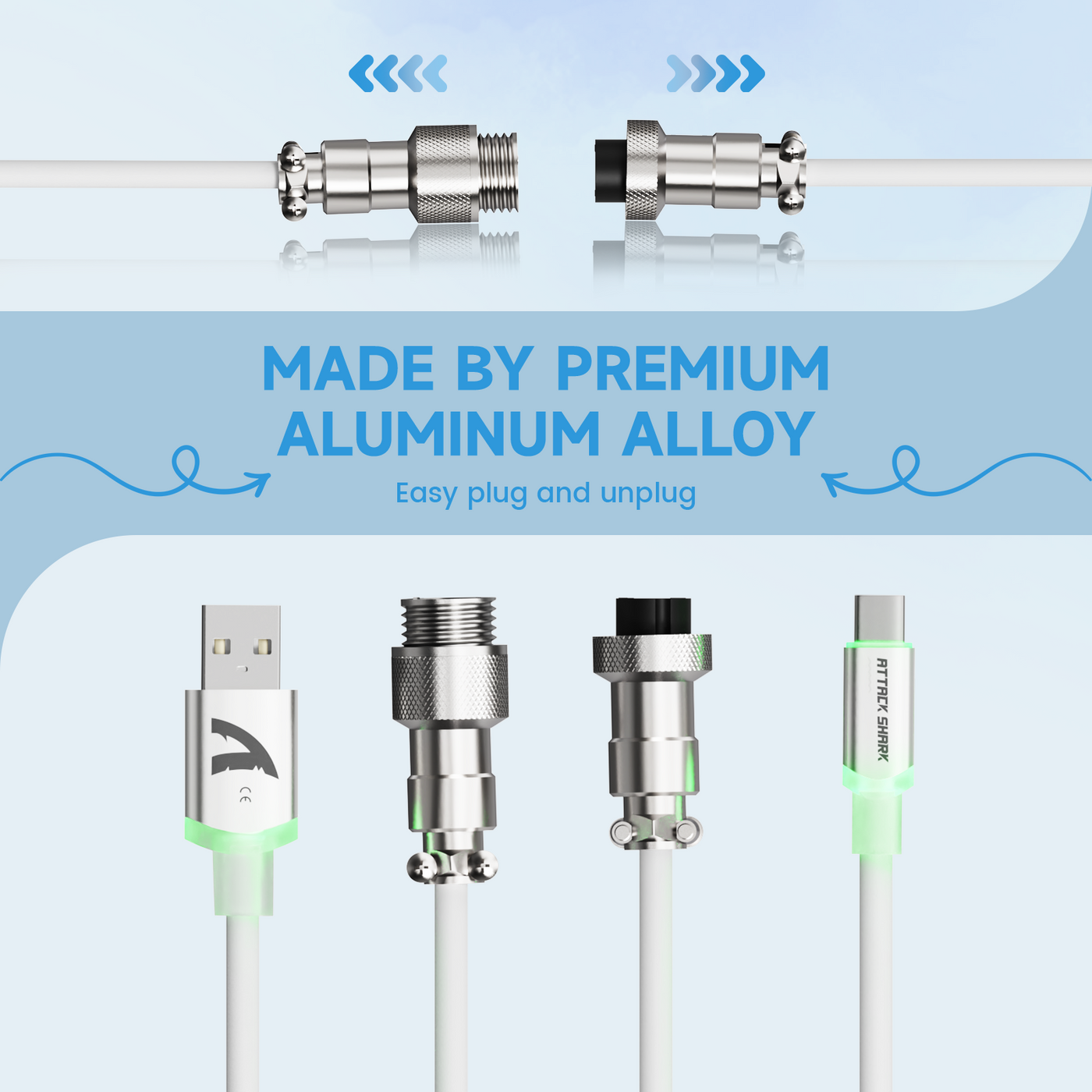
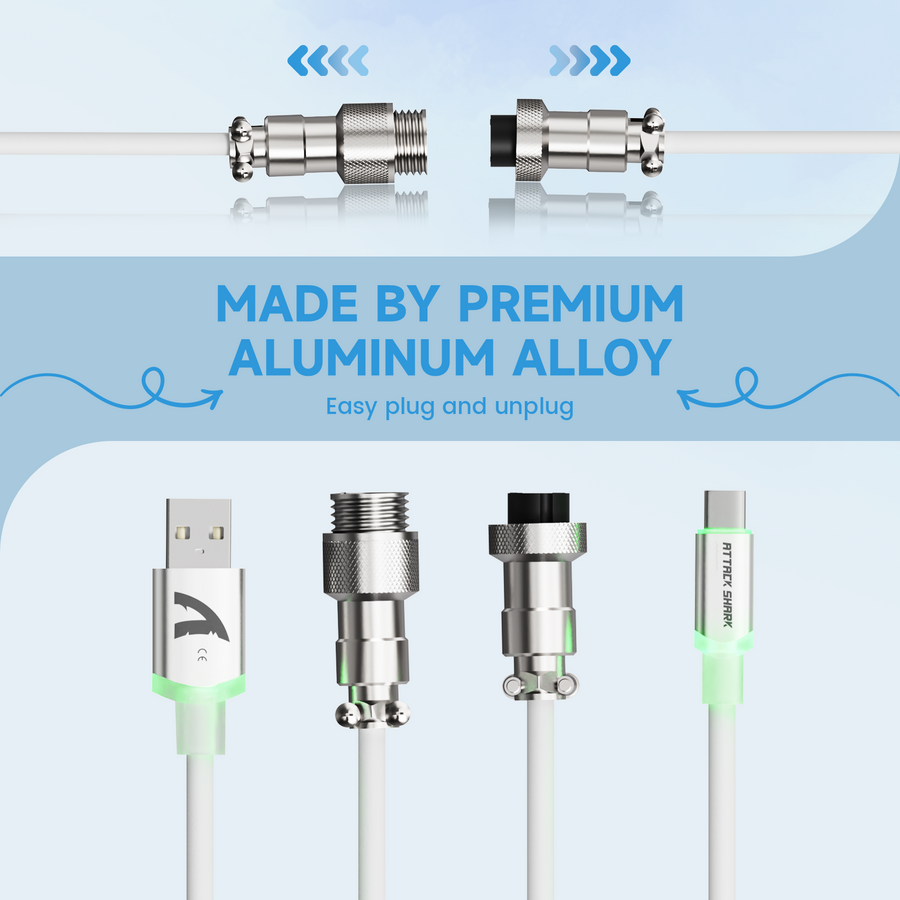
Aviator Joints and Extra Failure Points
An aviator connector is perfectly fine if it’s well-made and seated properly. However, it is an additional interface in your signal chain, making it a point of potential failure. If your priority is maximum stability, every additional joint should earn its place.
This doesn't mean you have to avoid aviator cables entirely. It just means you should treat the joint as a potential risk factor, especially if your setup already includes a long cable run, a USB hub, or a loose port.
What Features Matter Most
When shopping for an 8K-compatible cable, prioritize performance specs over aesthetics. RGB lighting and custom colors look great, but they don't improve polling performance. For high-polling keyboards, build quality is king.
| Cable Feature | Why It Matters for 8K Stability | What To Look For |
|---|---|---|
| Cable length | Longer paths increase the chance of signal degradation | The shortest run that reaches your port comfortably |
| Connector stages | Every extra joint is a potential failure point | Fewer adapters, tight-fitting ends, clean routing |
| Shielding / build quality | Better construction keeps the signal stable | Well-finished materials, zero looseness, solid strain relief |
| Aviator joint | Adds style but introduces an extra interface | Only use if the joint feels secure and precise |
| Conductor quality | Ensures consistent, high-speed data transfer | Cables with documented build specs, not just colors |
| Strain relief | Prevents cable weight from stressing the port | Reinforced ends that don't tug on the connector |
| Cosmetic features | Purely aesthetic; no impact on performance | Treat RGB and sleeve color as style choices only |
| Device compatibility | Poor fit leads to immediate instability | Confirm port type and connector fit before buying |
Quick tip: If a product page focuses entirely on visuals but provides no details on connector quality or construction, treat it as a style-first purchase, not a performance-critical one.
How to Choose the Right Cable Setup
- Confirm your port type: Check the keyboard port and cable end first. If the fit isn't perfect, nothing else matters.
- Measure for length: Use the shortest practical run for your desk. Keep it clean and avoid unnecessary slack.
- Evaluate the aviator joint: Decide if the aesthetic is worth the extra interface. If you don't need it, simpler is usually safer.
- Check the specs: Look for solid construction, decent strain relief, and enough detail to verify the cable path quality.
- Test under load: After setting up, test for stability during normal use. If you notice repeated dropouts, swap in a standard cable to rule out the coil before troubleshooting the keyboard itself.
If you're weighing a coiled cable against a standard one, it really comes down to style versus simplicity. For the cleanest possible signal path, a standard, high-quality cable is the safest fallback. If you prefer the coiled look, just keep the run short and the connector chain as simple as possible.
To keep your desk clean without sacrificing stability, start by browsing available cable options and checking that the connector style and length keep your setup as direct as possible. If the cable feels loose or requires extra adapters, keep looking for a better fit.
When a Coiled Cable Makes Sense
- Do choose a coiled cable if your desk layout is short and direct, and you want a cleaner look.
- Do choose one with an aviator joint only if it feels solid and secure, not wobbly.
- Don't use one if your path already includes hubs, adapters, or a port that doesn't hold firmly.
- Don't use one if you've previously dealt with jitter or disconnects using similar cables.
- Don't use one if the coil adds excessive slack that creates tension on the port.
- Use a standard cable when stability is your top priority and you want the fewest possible points of failure.
A high-quality coiled cable can be a great choice for 8K use, provided the build quality and cable path are up to the task. If you're unsure, start with a simple, standard cable and treat the coiled style as an upgrade later.