


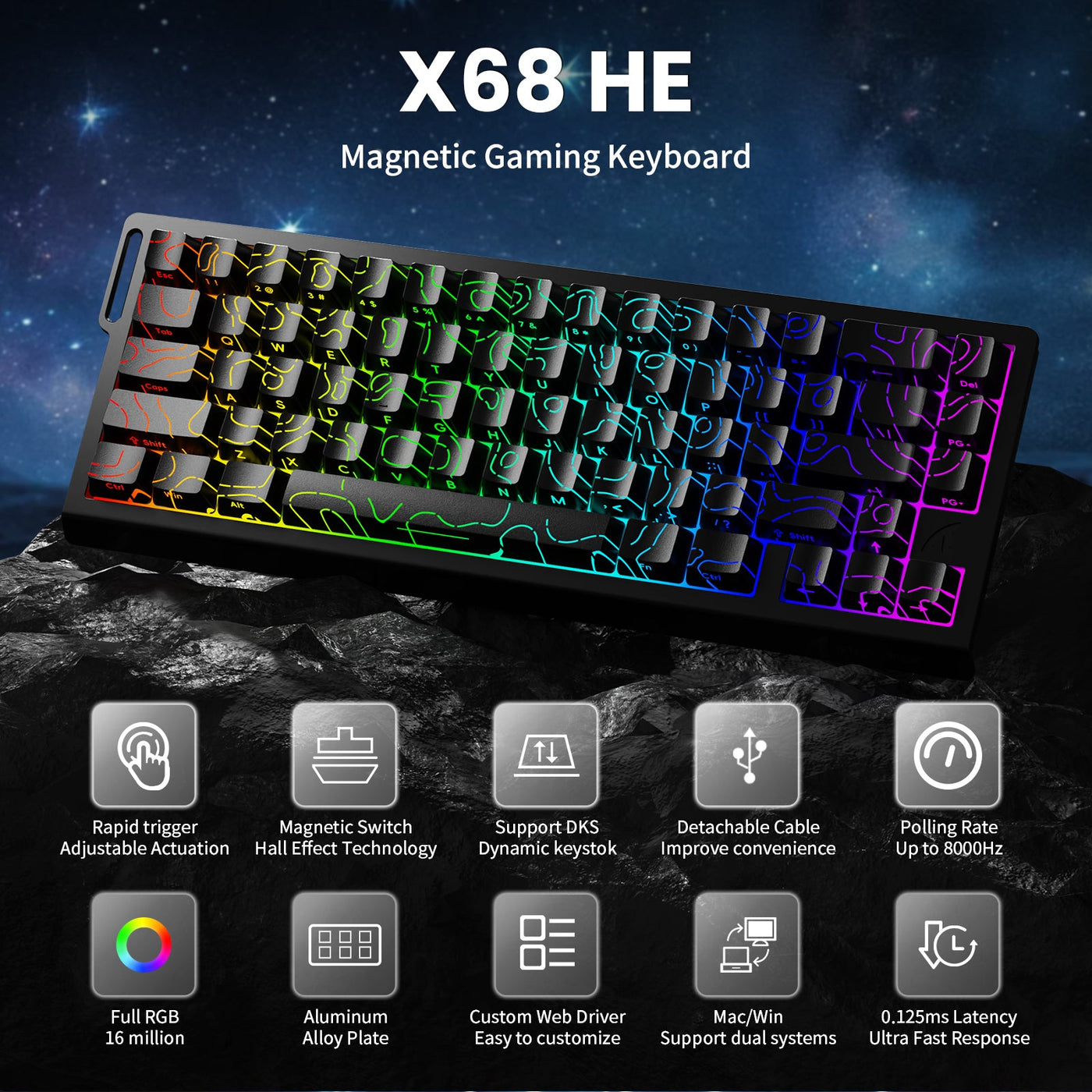
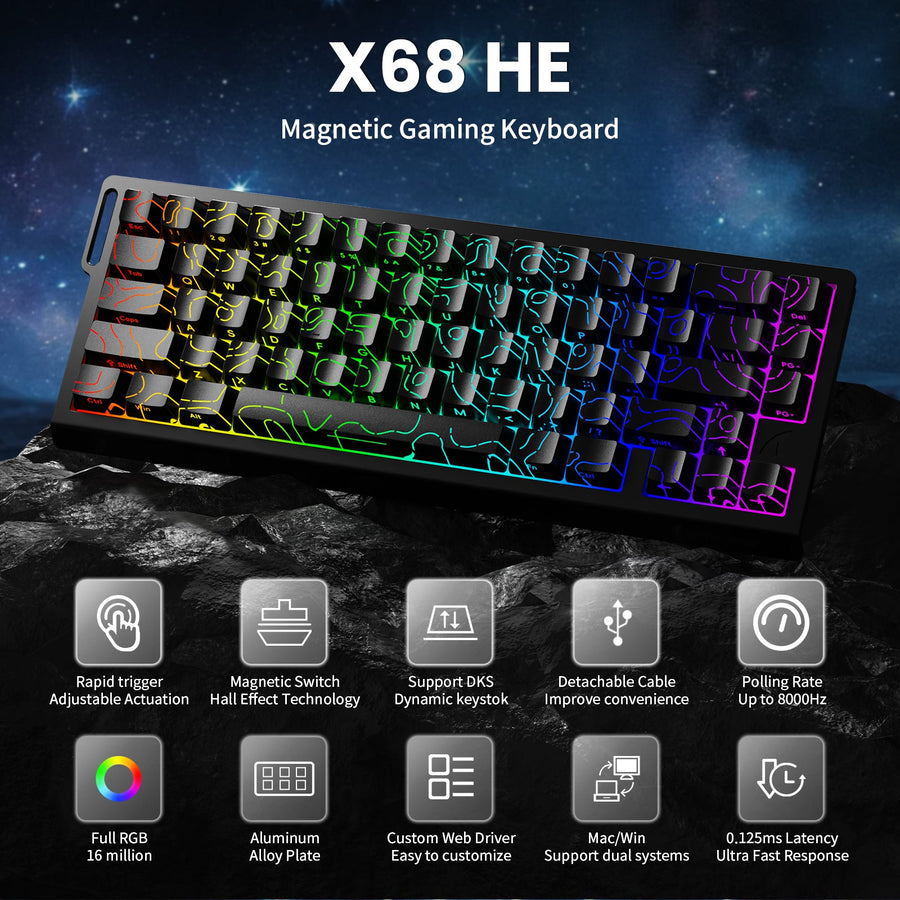
Concerns about Hall Effect keyboards and anti-cheat usually come down to specific settings and event rules, not the magnetic switch technology itself. If you use one of these keyboards for FPS titles, the real question isn't whether the hardware is "allowed," but whether your current configuration looks like input automation or violates a specific tournament rulebook.

What Hall Effect Changes for Competitive Play
How Hall Effect Inputs Differ From Standard Mechanical Switches
Hall Effect (HE) keyboards use magnetic sensors rather than physical contact points, allowing for highly adjustable actuation and reset points. This is a game-changer for competitive players because it fundamentally alters the feel of tapping, releasing, and re-pressing movement keys. In practice, the issue isn't "magnetic = cheat." It’s whether a specific feature changes input behavior enough that a game, platform, or tournament organizer treats it as an unfair advantage.
Why Competitive Players Care About Rapid Trigger
Rapid Trigger is the feature most FPS players ask about, as it allows a key to reset the moment it begins moving upward. This can significantly improve response times and movement fluidity in games where twitch-reflex stop-and-go inputs are critical. It remains a performance-tuning question first, not an automatic ban signal. The primary concern is whether the feature changes input behavior in a way that falls outside the rules of your match or event.
Which Settings Can Change the Risk Profile
Settings that deserve your attention include Rapid Trigger, adjustable actuation, onboard profiles, macros, and any software layer that alters key behavior. A keyboard can be perfectly fine for general use while still creating a compliance issue if the active profile mimics automation or if a tournament explicitly forbids the preset you have loaded. For most players, the simplest rule is: if a setting changes movement timing, profile behavior, or key resolution, verify it before competing.
Anti-Cheat Versus Tournament Rules
It is a mistake to treat anti-cheat software and tournament enforcement as the same thing. They overlap, but they operate differently. Anti-cheat systems generally scan for suspicious automation, forbidden scripts, or behavior where a single input produces multiple actions. Tournament officials, however, may prohibit specific hardware or firmware capabilities regardless of whether they can be detected by software.
| Risk Area | What It Usually Cares About | Hall Effect Relevance | What To Verify |
|---|---|---|---|
| Anti-cheat software | Automation, macros, or unauthorized input behavior | The switch itself is rarely the issue; the active behavior is | Whether your profile behaves like automation |
| Tournament rules | Presets, firmware features, and hardware-level assists | Some advanced features may be prohibited | The event rulebook and staff guidance |
| Ranked play/servers | Game-specific policy and server-side enforcement | Policies vary by title and platform | The platform's terms of service |
Valve’s stance on Snap Tap-like hardware automation illustrates why this distinction matters. Valve warned that players using hardware-level movement automation could be kicked from official servers, citing the issue as automation through scripting or hardware rather than the switch type itself. Later, BLAST announced it would ban Snap Tap-style movement assists in its events, highlighting that this is an event-rule problem, not just a software-detection issue.

This is why you should use a two-step filter: first, understand what the feature actually does; second, confirm whether the game, league, or tournament allows that behavior. A keyboard can be perfectly safe in one environment and non-compliant in another.
For broader policy context, Valve’s anti-cheat documentation clarifies that VAC is aimed at cheating software on secure servers, whereas tournament organizers can impose their own, stricter device limits. A feature might be outside of VAC’s scope but still violate an event’s rulebook.
Settings and Checks That Matter Most
Rapid Trigger and Adjustable Actuation
These are the first settings to inspect because they change when a key registers and resets. For ranked play, these are often just performance preferences. For tournament play, they become compliance issues if the rules limit movement assistance. Know exactly how these features are configured in your software or onboard profile before you queue.
Profiles, Macros, and Software Controls
Profiles are tricky because your keyboard may behave differently depending on which one is active. Macros are easy to spot, but profiles can hide less obvious changes like altered actuation or rapid reset behavior. If you don't need a specific function for competition, disable it. This prevents you from accidentally entering a match with a "practice" preset enabled.
Wired Versus Wireless Setup
Using a wired connection can remove one variable, but it won't fix a rulebook violation. Some events may regulate specific firmware states or driver setups, so the best habit is to verify your configuration exactly as you intend to use it on game day. If you toggle between wireless, dongle, and cable modes at home, don't assume your profile settings carry over perfectly every time.
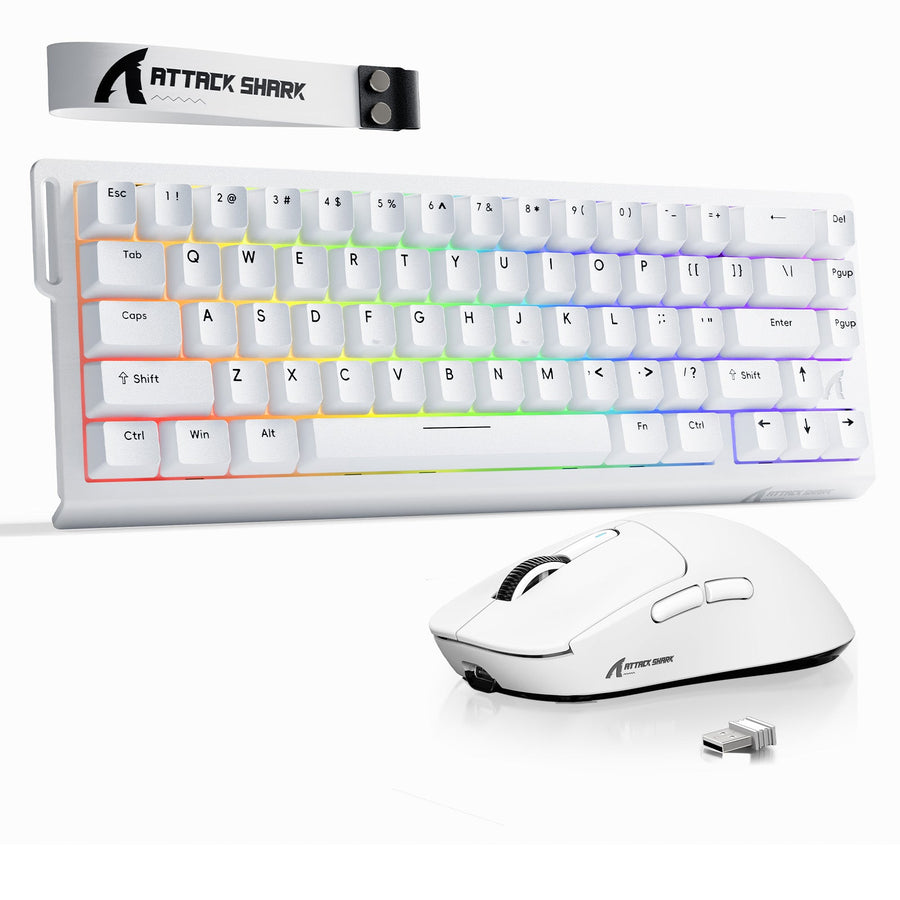
If you're browsing for a compact competitive board, wired HE options are a solid starting point, but the real test is the live setting, not the hardware label. HE keyboard size options can help you find a form factor that suits your desk space without making assumptions about how the board will be treated in a tournament.
When a Hall Effect Keyboard Fits Best
- You play ranked FPS or scrims and want faster key reset, cleaner movement timing, or adjustable actuation.
- You are diligent about keeping your keyboard on a simple profile when leagues or events have strict rules.
- You want flexibility to use advanced features in practice but can disable them quickly for competitive play.
- You always check the specific game or tournament policy before relying on movement-assist modes.
Caution:
- Be extra careful if you switch between different titles, as rules regarding hardware assists vary significantly.
- If you rely heavily on macros or deep software customization, you must audit your settings before every event.
- If you prefer a "plug-and-play" experience, a standard mechanical keyboard may be less of a headache for competitive compliance.
The best approach is to choose a Hall Effect keyboard for the performance benefits, but never assume every "pro" feature is legal in every setting.
Pre-Match and Pre-Tournament Checklist
- Read the official rulebook for your event, league, or ranked platform.
- Check the policy for mentions of Rapid Trigger, SOCD-like behavior, macros, or keyboard assists.
- Open your keyboard software and confirm the active profile—don't rely on the one you used last week.
- Disable any mode that changes movement behavior unless the rules explicitly allow it.
- Save a "competition-ready" preset and test it before joining the match or arriving at the venue.
- Verify your connection mode (wired vs. wireless) to ensure the settings are consistent.
The safest way to handle anti-cheat uncertainty is simple: verify the rules, simplify your setup, and use the exact configuration you plan to compete with. If you're in doubt, keep the advanced features off.
FAQs
Can Rapid Trigger Get Me Banned?
Not necessarily. The risk is whether the specific game or event defines the feature as a form of prohibited automation. Always check the event policy before playing.
Is Rapid Trigger Allowed in Tournaments?
It depends on the organizer. Some allow it, while others prohibit any form of hardware-level movement assistance. If the rules mention firmware features or input automation, treat Rapid Trigger as something that requires verification.
What Anti-Cheat Risks Come From Hall Effect Keyboards?
The magnetic switches themselves are not the concern. The risk arises from software or firmware features that mimic macros or input automation. Keep your setup simple and disable unused assist modes.
Do I Need to Turn Off Rapid Trigger for Ranked Play?
Not always, but it is worth a quick check. Some platforms are lenient, while others are stricter. Keeping a "standard" preset ready is a good habit.
How Do I Check If My Keyboard Setup Is Safe Before an Event?
Read the rules, open your keyboard's active profile, confirm no automation-like features are enabled, and test the exact hardware configuration you’ll be using. If anything feels ambiguous, turn it off.