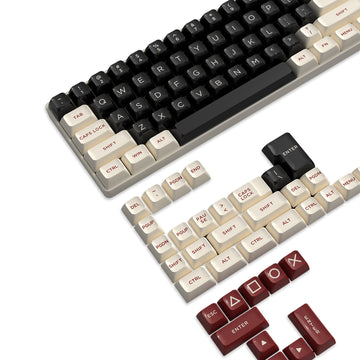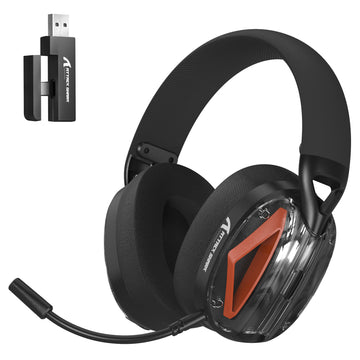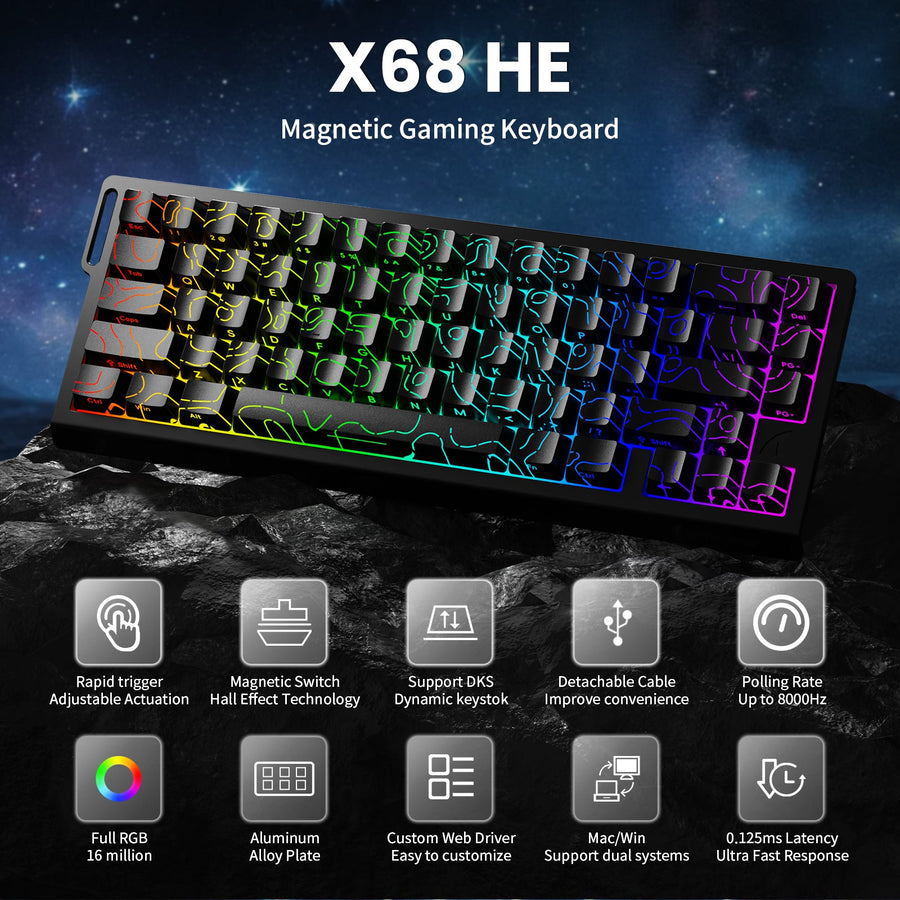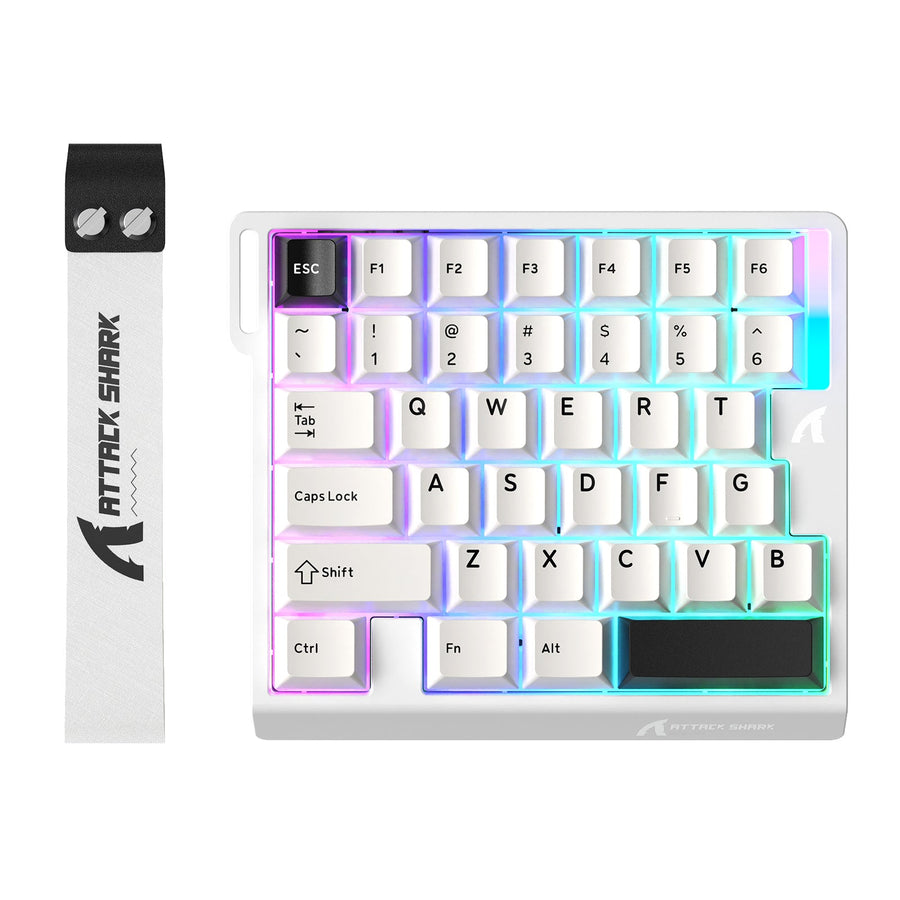



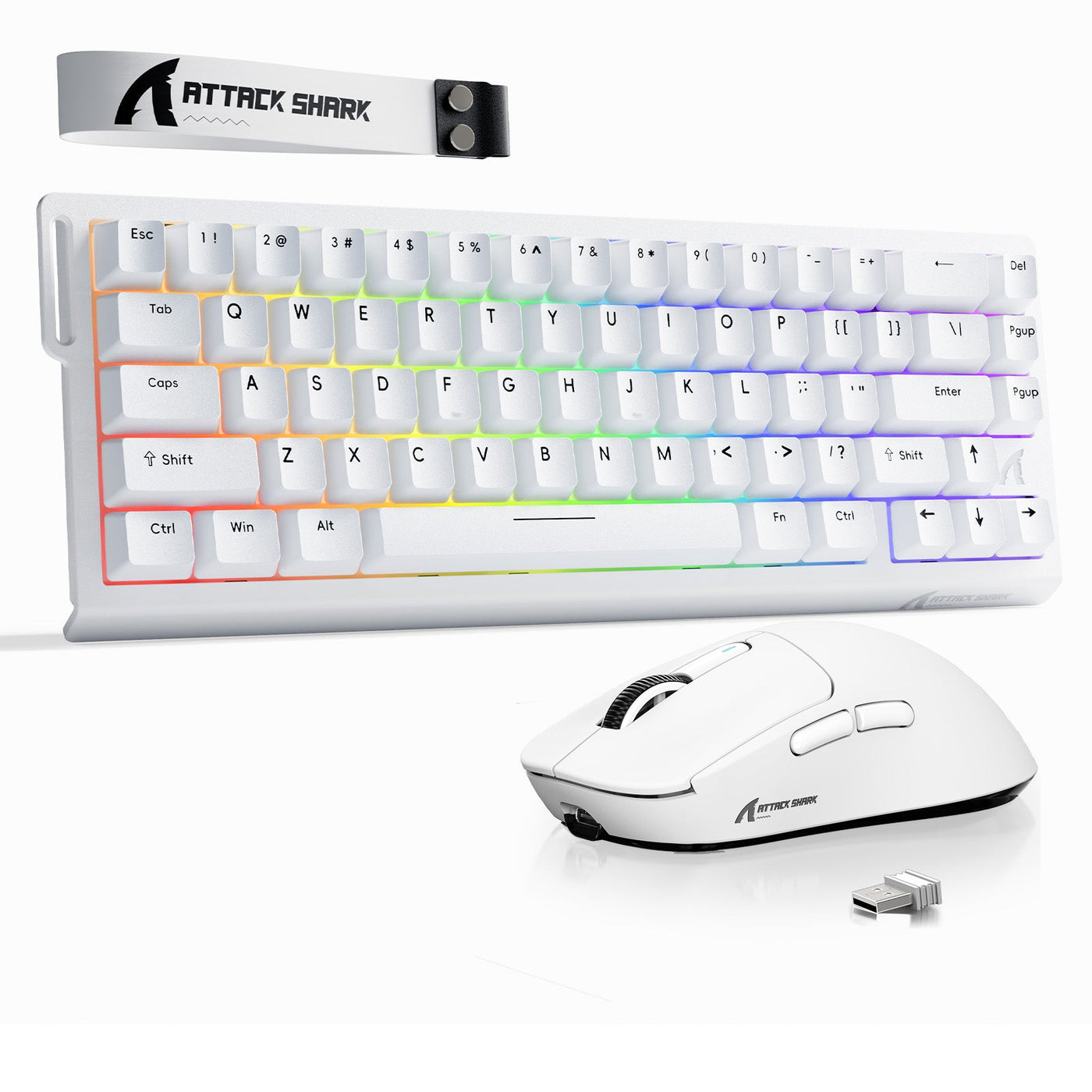
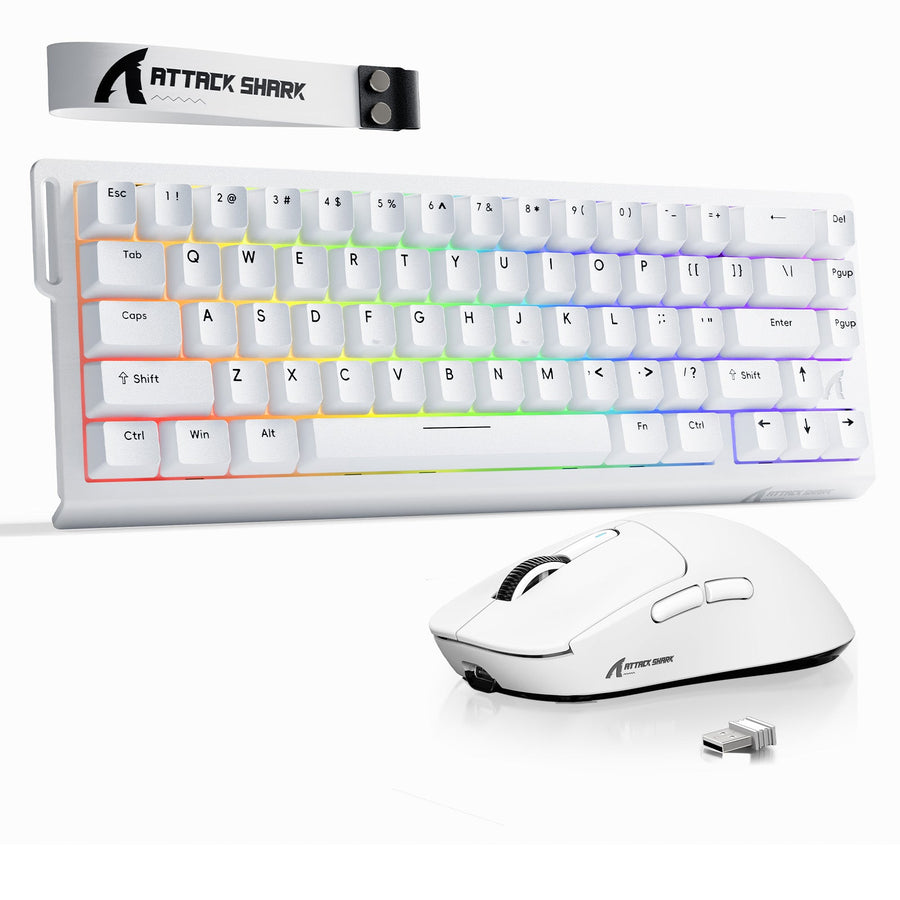
If you are wondering what to buy first mouse or keyboard, the short answer is to start with the device that is your real bottleneck. For most new PC gamers chasing better aim, that is the mouse. If your current keyboard feels cramped, awkward, or space-hungry, the keyboard should come first instead. For first gaming setup peripherals, that means checking the problem before you choose the order. If both sides are equally weak and you already want a matched setup, a bundle can reduce guesswork without forcing you to overbuy.

What Matters First in a First Gaming Setup
The first mistake many beginners make is shopping by feature hype instead of by the thing that feels limiting today. A first gaming setup works better when you rank comfort, control, and budget before extras like RGB or special switches. That is especially true for the question of what to buy first mouse or keyboard, because the right order depends on what you play and what already bothers you.
Mouse Priority Signals
A mouse usually comes first if you play shooters or any game where aim control is the main pain point. Intel's FPS precision guidance makes the same basic point: for precision-heavy play, a better mouse tends to matter more than a generic office mouse.
For a beginner, the practical check is simple. If your current mouse feels slippery, too small, too heavy, or just hard to aim with, fix that first. A better shape and button feel usually matters more than chasing a long spec sheet on day one.

Keyboard Priority Signals
Keyboard-first makes more sense when the current board is the thing slowing you down. If the layout feels cramped, the keys are awkward to reach, or your desk setup leaves too little room for the mouse, the keyboard can be the bigger comfort upgrade. Goldtouch's layout comfort and desk space guidance is useful here because beginners often underestimate how much a keyboard changes the whole desk.
This path also fits readers who type a lot for school or work and want one device that improves both gaming and everyday use. If the keyboard is already the obvious weak link, do not let mouse specs distract you.
A good rule of thumb is this: if only one device feels wrong, buy that one first. If both feel bad, do not force a universal order. That is usually how early regret starts.
How to Split Your Budget
A balanced budget matters more than a perfect spec mix for a first setup. The goal is not to maximize every number at once. It is to avoid spending too much on one side and ending up with a mismatch on the other.
| Budget Band | What To Prioritize First | What To Avoid |
|---|---|---|
| Tight starter budget | The weaker device, plus basic comfort and a usable shape | Spending on premium extras before fit or layout |
| Mid-range budget | A better mouse sensor or a better keyboard layout, depending on the bottleneck | Buying one flashy part and leaving the other clearly behind |
| Bundle-friendly budget | A matched pair when you already know both devices need upgrading | Buying a bundle too early just to make checkout feel easier |
For budget framing, a practical guide is that tighter starter budgets usually cover the basics, while a mid-range budget gives you room for better comfort and fewer compromises. A budget article on current combo pricing suggests that first-setup ranges can be used as a planning tool, but they should stay illustrative rather than universal budget bands. That is the safer way to think about a first gaming pc mouse keyboard bundle.
If you are trying to choose between separate buys and a bundle, ask one question: do you already know both devices are needed, or are you still figuring out which side matters more? If you are still unsure, separate buys reduce regret. If you are already sure, bundles can simplify the order and the setup.
Mouse-First Versus Keyboard-First
This is the decision most beginners actually need. The right answer is not "mouse always" or "keyboard always." It changes with the bottleneck.
Choose Mouse First
Mouse-first is usually the better move when aim control, pointer comfort, or a weak office mouse is the current problem. Intel's gaming guidance supports that choice for precision-heavy play, especially in FPS sessions where small aiming improvements are easy to feel.
Choose this path if the keyboard is already usable. You want the clearest day-one upgrade, and the mouse is the part that feels obviously off. That is often the strongest answer for what to buy first mouse or keyboard when the reader mainly wants better control in game.
Choose Keyboard First
Keyboard-first works best when the current board feels cramped, unreliable, or uncomfortable during longer sessions. Goldtouch's buying guidance makes the comfort and space case clearly: if the desk layout is the problem, a better keyboard can improve the whole setup more than a mouse swap would.
Choose this path if you type often, want a cleaner desktop, or need more room for mouse movement. That last point matters more than beginners expect. A keyboard that takes up less space can make the mouse feel better too, because the whole hand position changes.
Buy Both Together
Buying both together makes sense only when you already know you want a full matched setup. That can lower mismatch risk and reduce decision fatigue, but it should follow the fit check, not replace it.
This path is weaker when you still do not know your preferred grip, layout, or wireless setup. In that case, a bundle can feel convenient on checkout day and annoying on day two. If you want one example of a matched path, the bundle options are a reasonable place to browse after you have already chosen the purchase order.
A useful decision sentence is this: mouse-first is best when precision is the blocker, keyboard-first is best when comfort or space is the blocker, and bundle-first is best only when both purchases are already justified.
Features That Matter to Beginners
For a first gaming setup, the checklist should stay short. Fit, layout, and connection type matter more than premium extras. That is the beginner wireless gaming peripherals lesson most people need to hear before checkout.
- Check whether the mouse shape fits your hand and grip style.
- Check whether the keyboard layout leaves enough room for mouse movement.
- Check whether wireless setup is simple enough for your comfort level.
- Check whether the device will work well for both gaming and everyday use.
- Check whether you actually need hot-swap, RGB, or special switches, or just like the idea of them.
- Check whether the current desk has enough space for the size you want.
- Check whether one device already solves most of your problem before you buy both.
HP's wireless setup priorities advice is useful for beginners because connection stability and battery life should come before spec chasing. In plain English, wireless is worth it when you want a cleaner desk and you are comfortable with the setup steps. It is not worth forcing if you already dislike pairing, charging, or software installs.
That is also where early regret usually starts. A beginner who buys for looks, not fit, often discovers the mistake during the first week of use. If you want a mouse support path after the decision, mouse support is the cleaner category to browse than a random product page.
Your Next Step Before Checkout
The fastest way to finish this decision is to ask three questions: which device is actually holding me back, how much of my budget should protect the other side, and do I already know enough to buy a matched pair? If the answer is mouse, go mouse-first. If the answer is keyboard, go keyboard-first. If the answer is both, choose a bundle and stop comparison shopping. If you want to narrow it down, browse the keyboard lineup, check bundle deals, or compare the mouse lineup before you check out.
FAQs
What Should I Buy First: Mouse or Keyboard?
Buy the mouse first if aim control, comfort, or a weak office mouse is the main problem. Buy the keyboard first if your current board feels cramped, awkward, or poor for long sessions. If both feel equally bad, a bundle is cleaner than trying to force one universal order.
How Do I Split My Budget for My First Gaming Setup?
Start by funding the weaker device first, then keep enough left for the other side to feel balanced. If your budget is tight, comfort and fit matter more than premium extras. If you can already tell both sides need replacing, a matched pair is usually easier to justify.
Can I Start With Just One Peripheral?
Yes, as long as the other one is already usable. That is the best way to avoid overspending before you know what actually feels wrong. If both devices are weak, waiting for a bundle or a matched pair can prevent an early return.
What Features Matter Most for a Beginner Wireless Setup?
Connection stability and simple setup matter most. Wireless is a good choice when you want a cleaner desk and you are comfortable with pairing, charging, and basic setup steps. If those steps already sound annoying, wired or simpler models are usually the safer starting point.
Is a Bundle Better Than Buying Separately?
A bundle is better when you already know you want both devices and want to reduce comparison time. Buying separately is better when you are still deciding between mouse-first and keyboard-first, or when hand feel and layout are still unknown. That difference matters more than a generic discount claim.